
BD Butler is an AI assistant integrated directly within the Brilliant Directories admin area to help generate content, build page elements, review website data, and prototype functionality while working inside the platform.
It can be used to quickly create written content, layout components, interactive tools, and data-based summaries without leaving the editing environment.
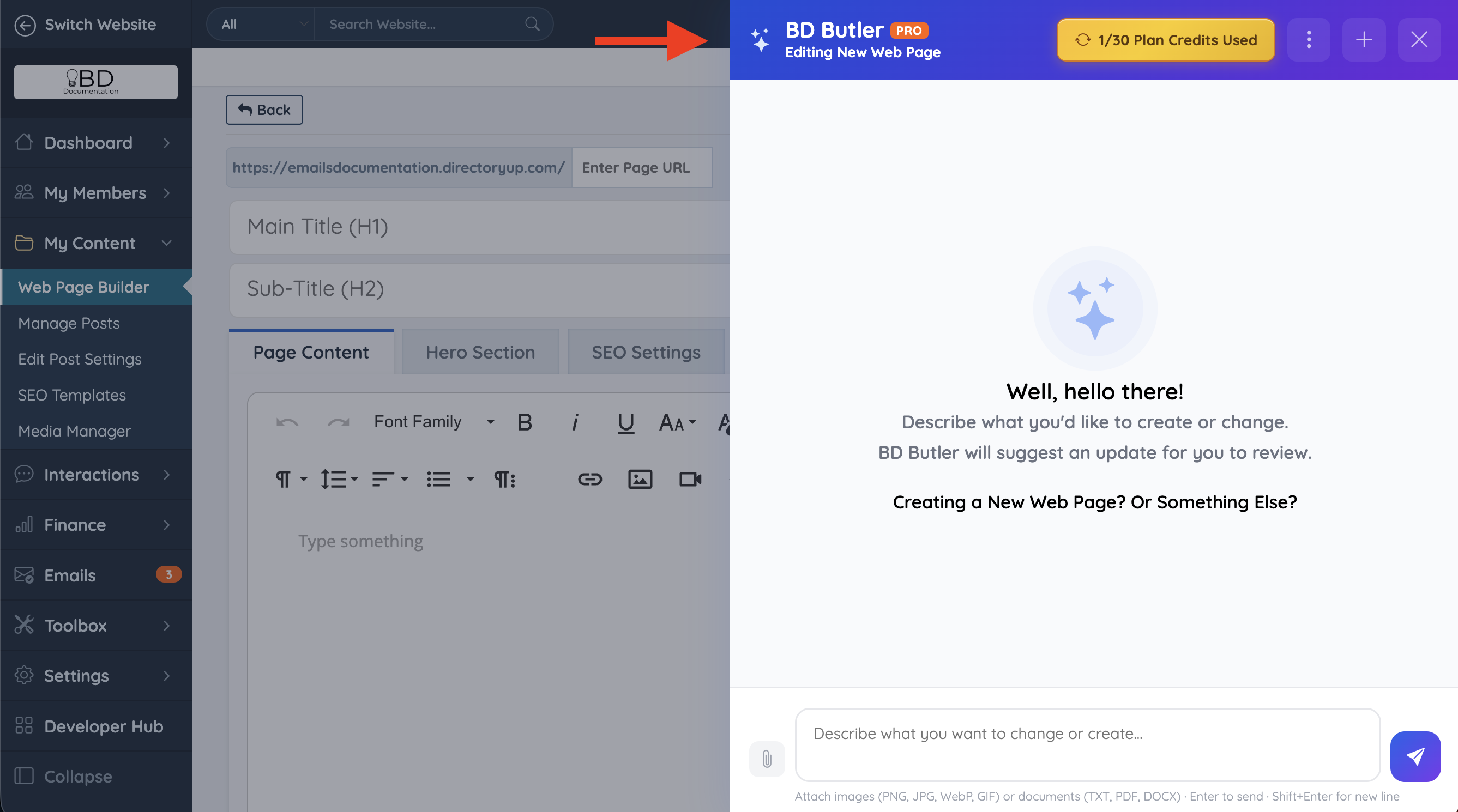
Rather than only producing basic text, BD Butler can generate structured elements and functional components that can be immediately used within supported areas of the site. It can also process follow-up instructions, allowing administrators to refine or expand results step-by-step.
BD Butler does not share data outside of the current chat session being used.
Where the BD Butler Button Appears
The BD Butler button appears in supported areas of the Brilliant Directories admin so it can be used directly where content, member data, and transaction activity are being reviewed or edited.
When BD Butler is opened from content-focused areas, it can help generate pages, email copy, layouts, widgets, and code-based components.
When BD Butler is opened from data-focused areas such as Search Members or Transaction History, it can help answer questions about member activity, revenue, payments, subscriptions, and related website performance data.
BD Butler PRO Header Options
When BD Butler PRO is open, the header shows the current editing area, the plan credit usage, and additional controls for managing the chat session.
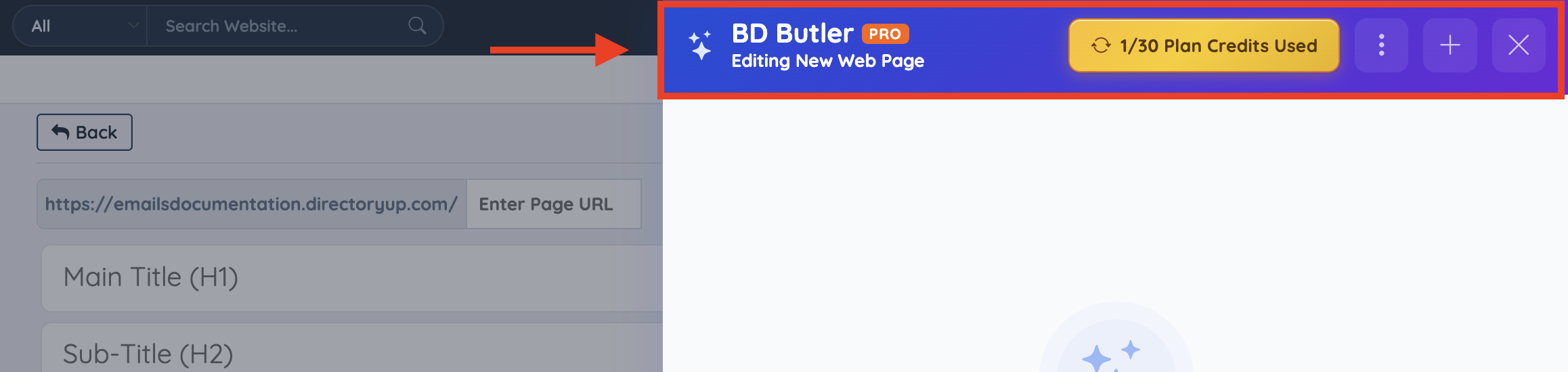
The credit badge shows how many plan credits have been used for the current billing period. Hovering over the badge displays a quick explanation of how credits work.
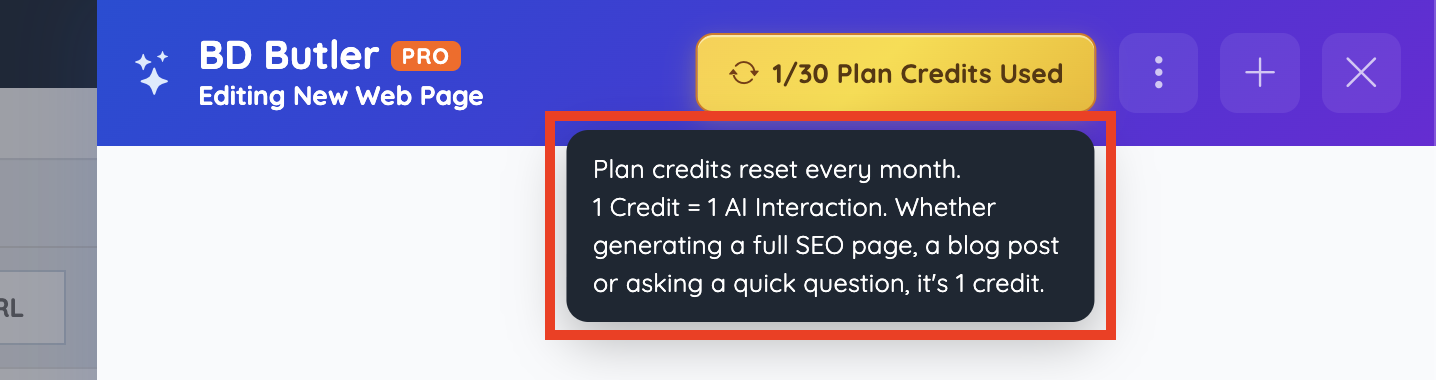
Credit usage note: One credit equals one AI interaction. This applies whether BD Butler is generating a full SEO page, writing a blog post, creating a widget, reviewing revenue data, or answering a quick request.
More Menu
The More menu provides quick access to chat and credit-related options without leaving the BD Butler window.
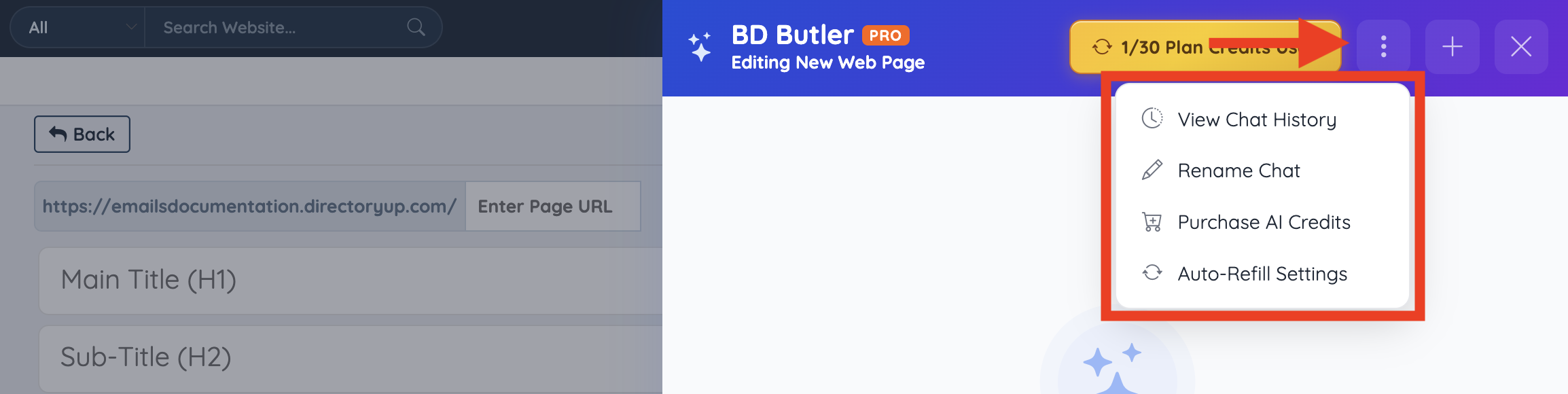
Available options include:
- View Chat History: Opens previous BD Butler chats.
- Rename Chat: Updates the name of the current chat session.
- Purchase AI Credits: Opens the credit purchase screen.
- Auto-Refill Settings: Opens the automatic credit refill settings.
Chat History
The Chat History screen stores previous BD Butler conversations for the website.
Chats are organized into two views:
- This Page: Shows chats connected to the current page or editing area.
- Other Pages: Shows chats from other pages or areas of the website.
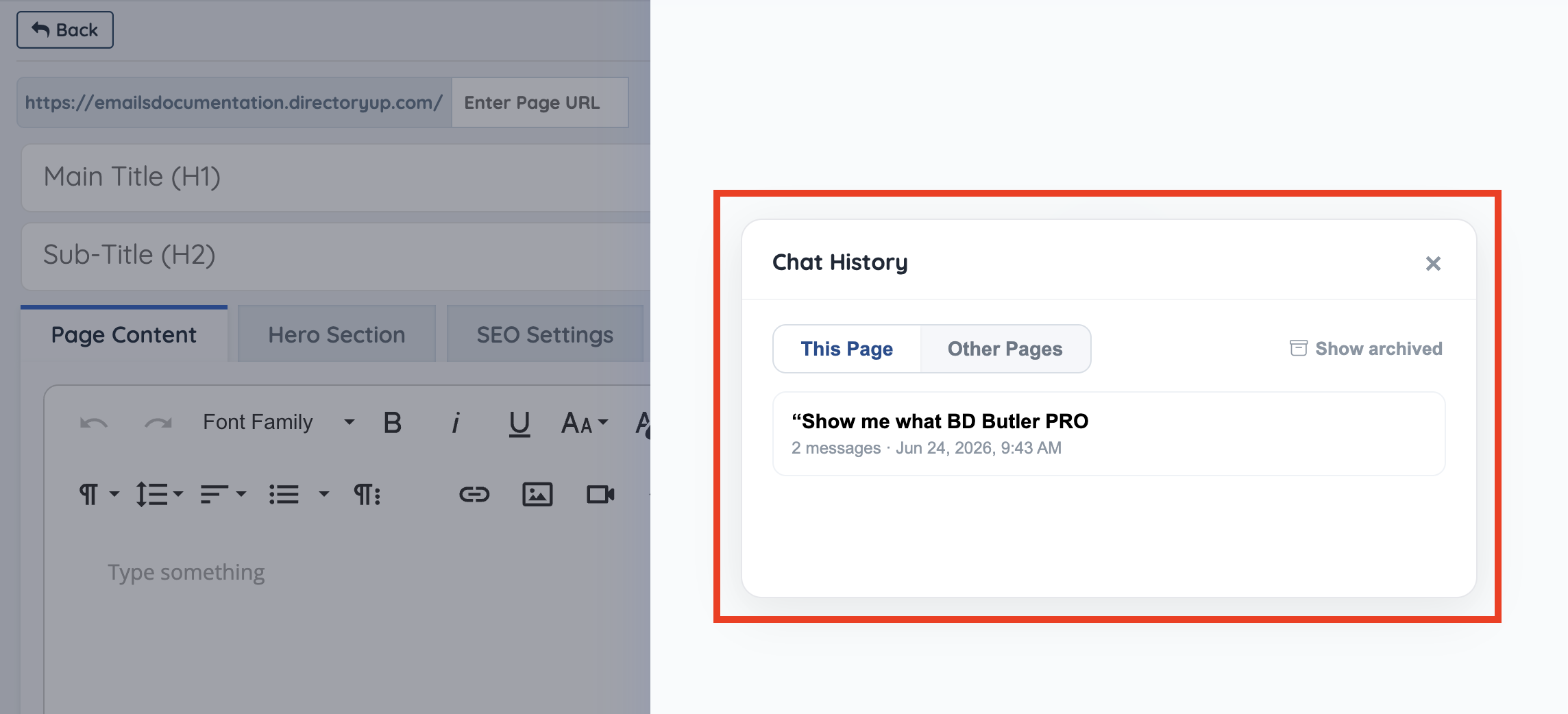
Clicking any chat in the history will reopen that conversation so it can be reviewed or continued.
Archived Chats
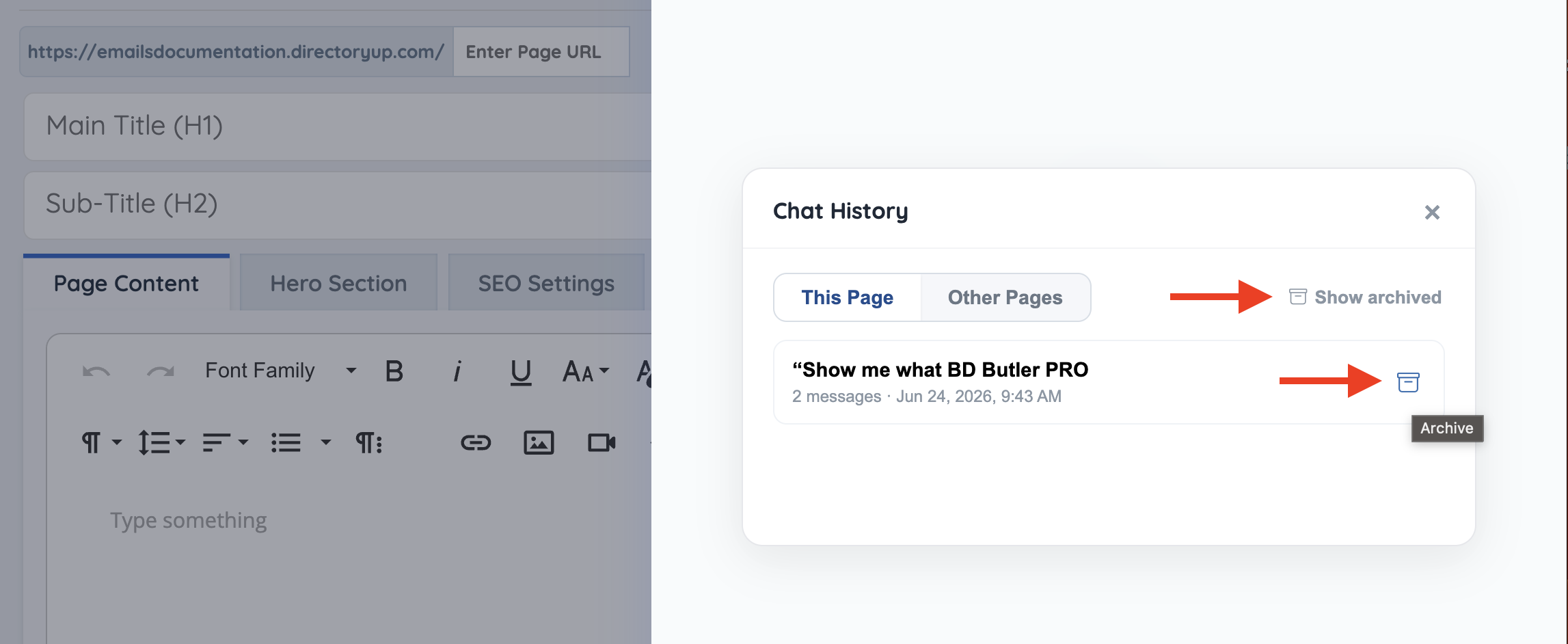
The Show archived option displays chats that have been archived. When viewing archived chats, the option changes to Show active so active chats can be displayed again.
Rename Chat
Chat names can be updated to make previous BD Butler conversations easier to identify later.
- Open the More menu
- Select Rename Chat
- Enter the new chat name
- Click Save
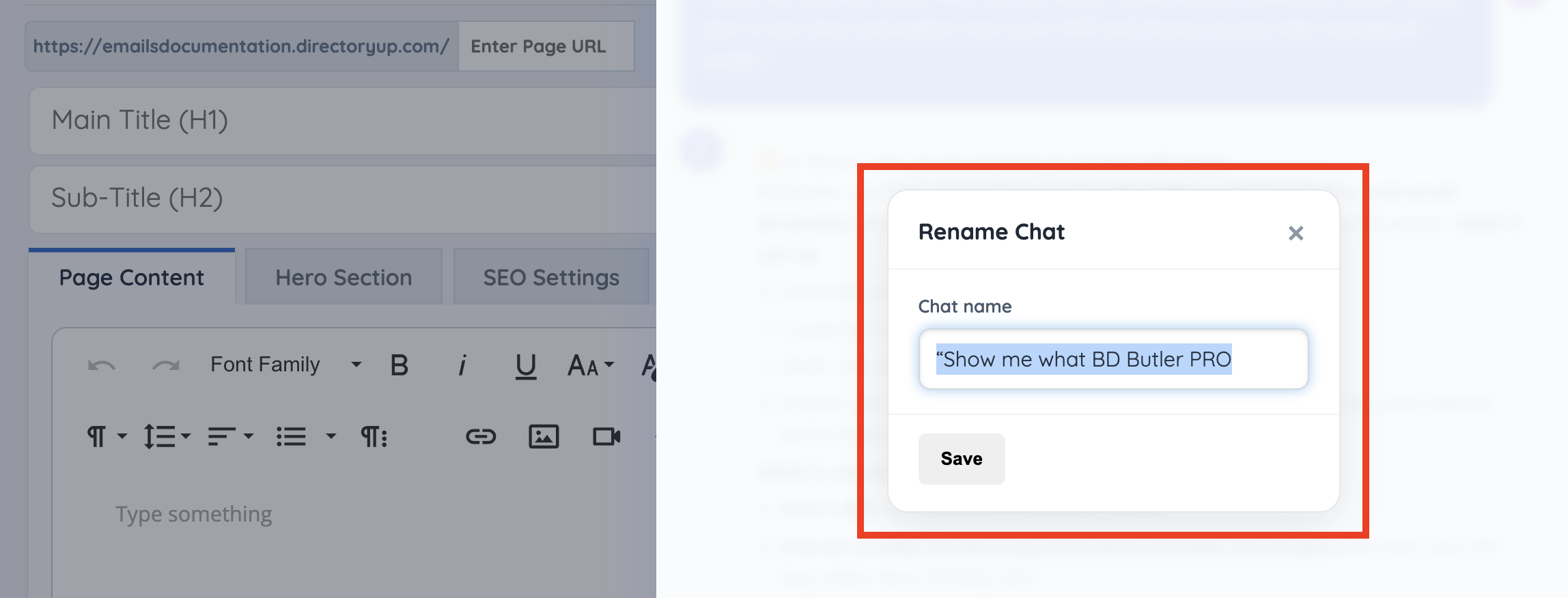
Renaming a chat only changes the label shown in Chat History. It does not change the content of the conversation.
Note: Only existing or active chat conversations can be renamed. The rename option will not apply to a new chat that has not been started yet, or when no conversation has been initiated.
Purchase AI Credits
Additional AI credits can be purchased directly from the AI Credit Usage screen.
- Open BD Butler PRO
- Click the More menu
- Select Purchase AI Credits
- Choose the credit amount
- Review the current balance and new balance
- Complete the payment
AI Credit Usage
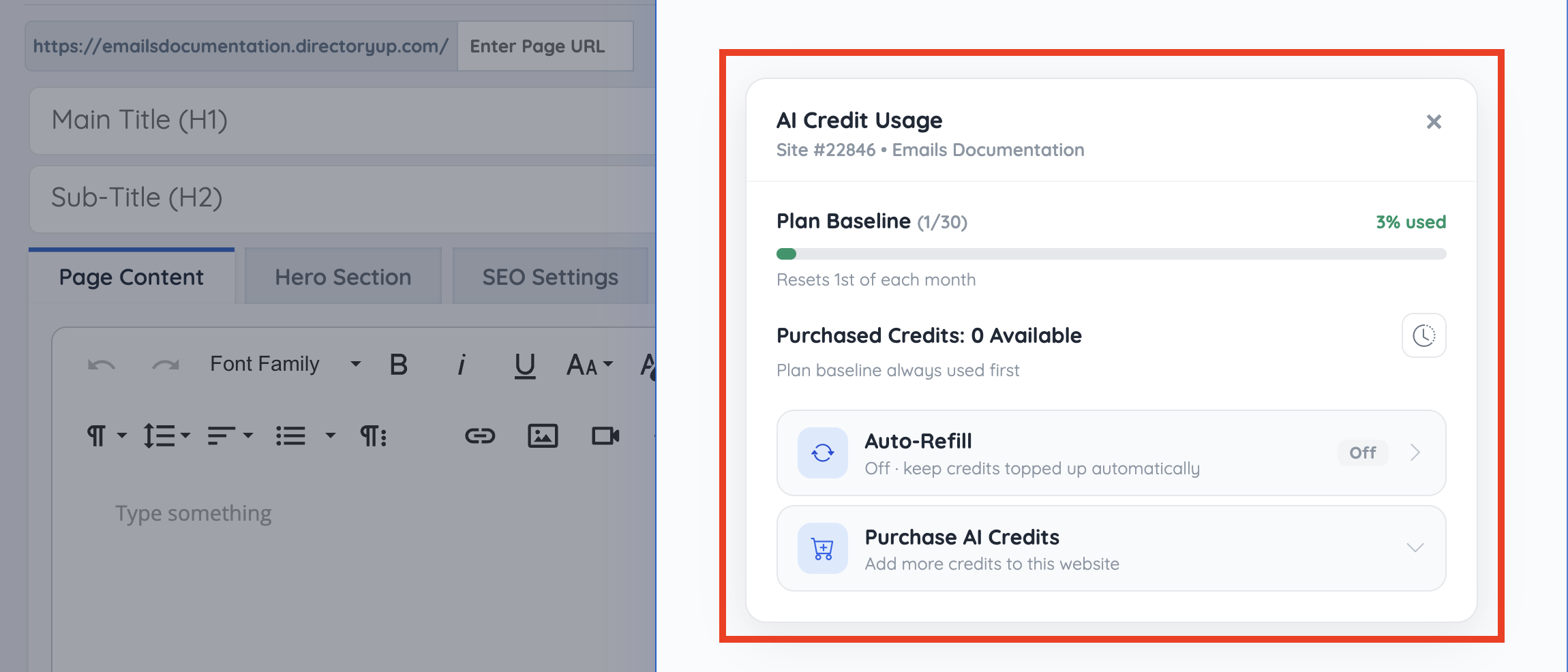
The AI Credit Usage screen shows how many plan credits have been used and how many purchased credits are available for the website.
Plan credits are included with the active BD Butler PRO plan and reset on the first day of each month. Purchased credits are separate from plan credits and can be added when more usage is needed.
- BD Butler uses plan credits first before applying any purchased credits.
- Purchased credits do not expire at the end of the month. Any unused purchased credits will stay in the account and can be used in future months.
- Monthly plan credits, such as the 30 included credits, reset on the first day of each month and do not roll over.
Plan Baseline
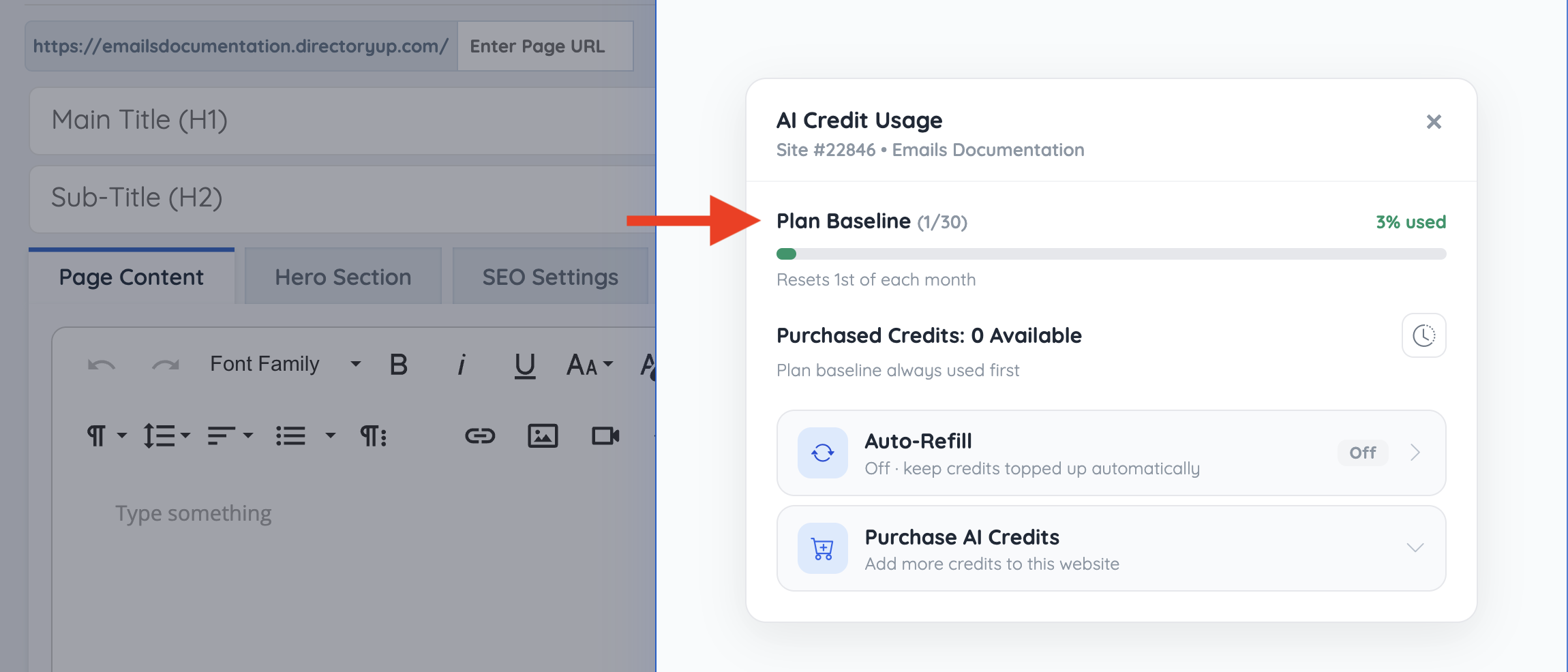
The Plan Baseline section shows the included monthly credits for the website and how many have been used in the current month.
For example, if the screen shows 1/30 Plan Credits Used, that means 1 credit has been used out of the 30 included plan credits for the current monthly cycle.
Purchased Credits
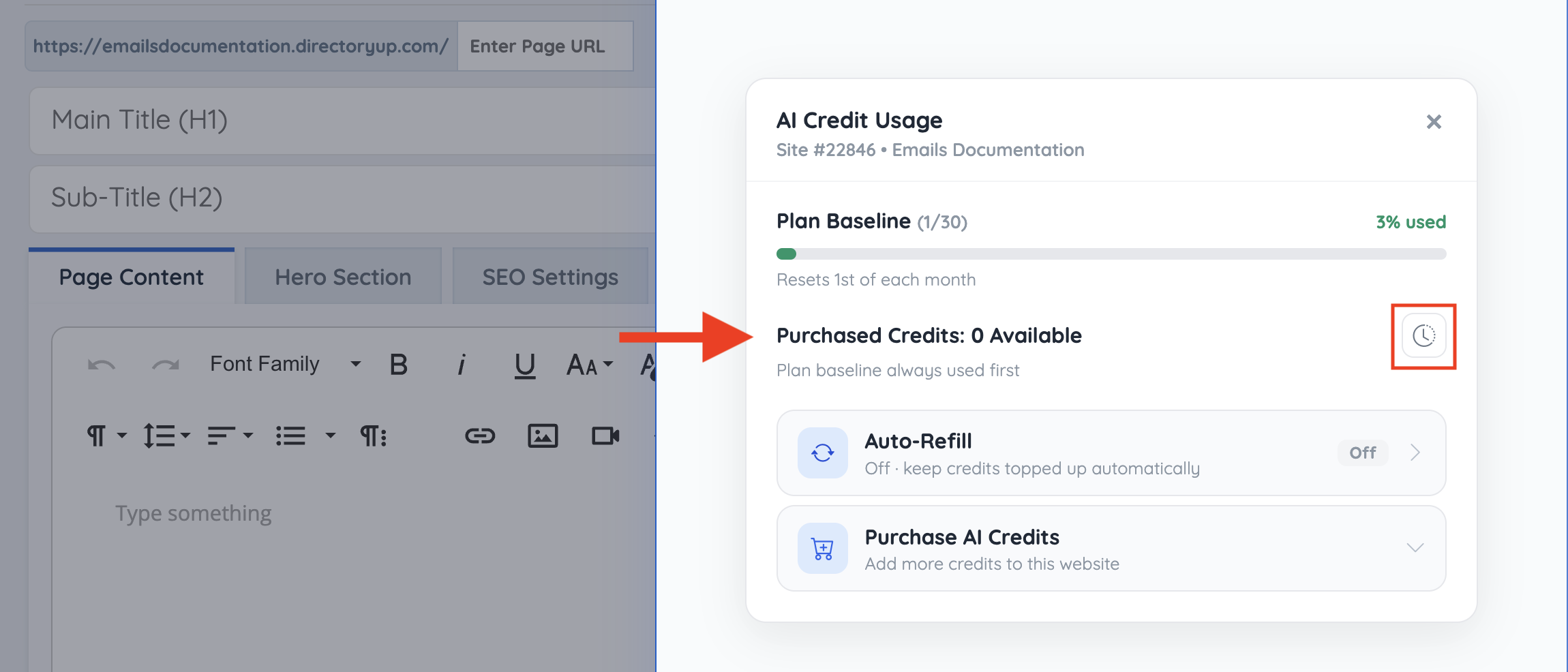
The Purchased Credits section shows any additional credits that have been purchased for the website.
If no extra credits have been purchased, this section will show 0 Available. Purchased credits are available after the monthly plan credits have been used.
Purchase History
The Purchase History screen shows AI credit purchases and auto-refill activity for the website.
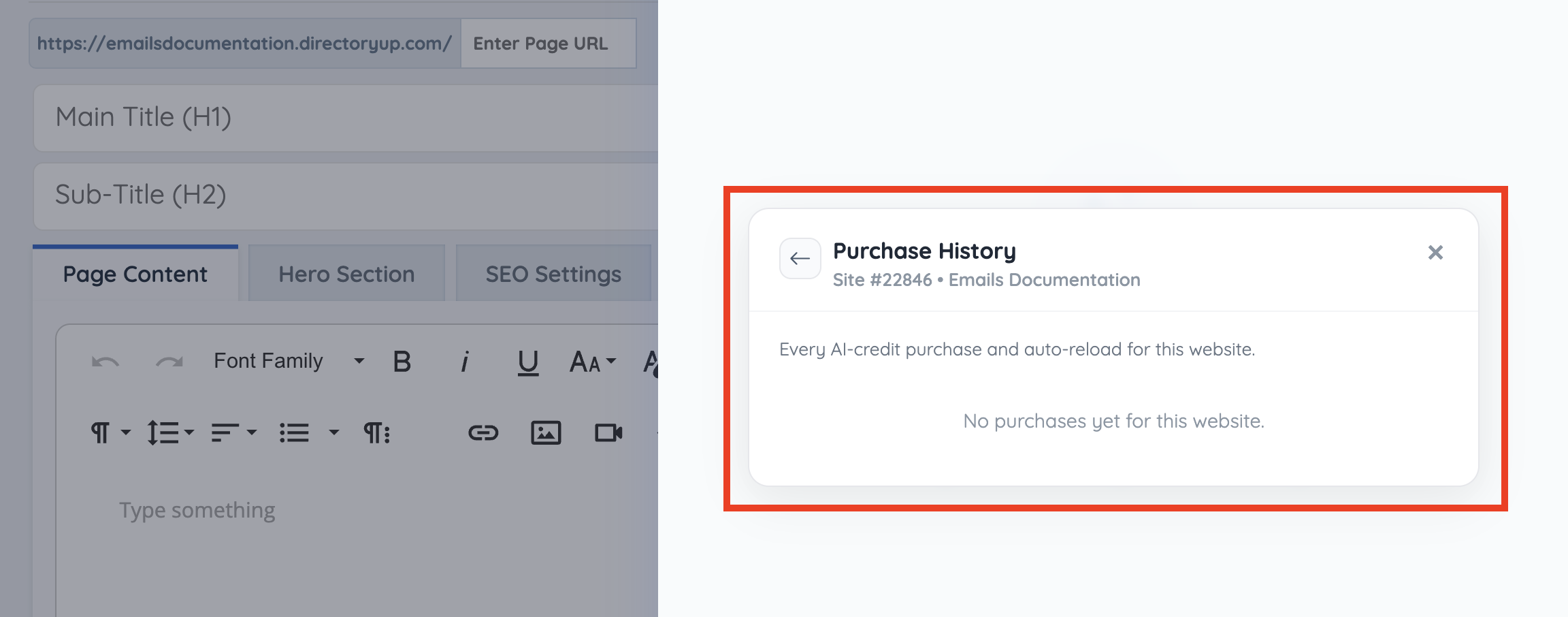
This section can be used to review when credits were purchased, how many credits were added, and whether the purchase was completed manually or through auto-refill.
If there are no purchases yet, the screen will show that no purchases are available for the website.
Auto-Refill Settings
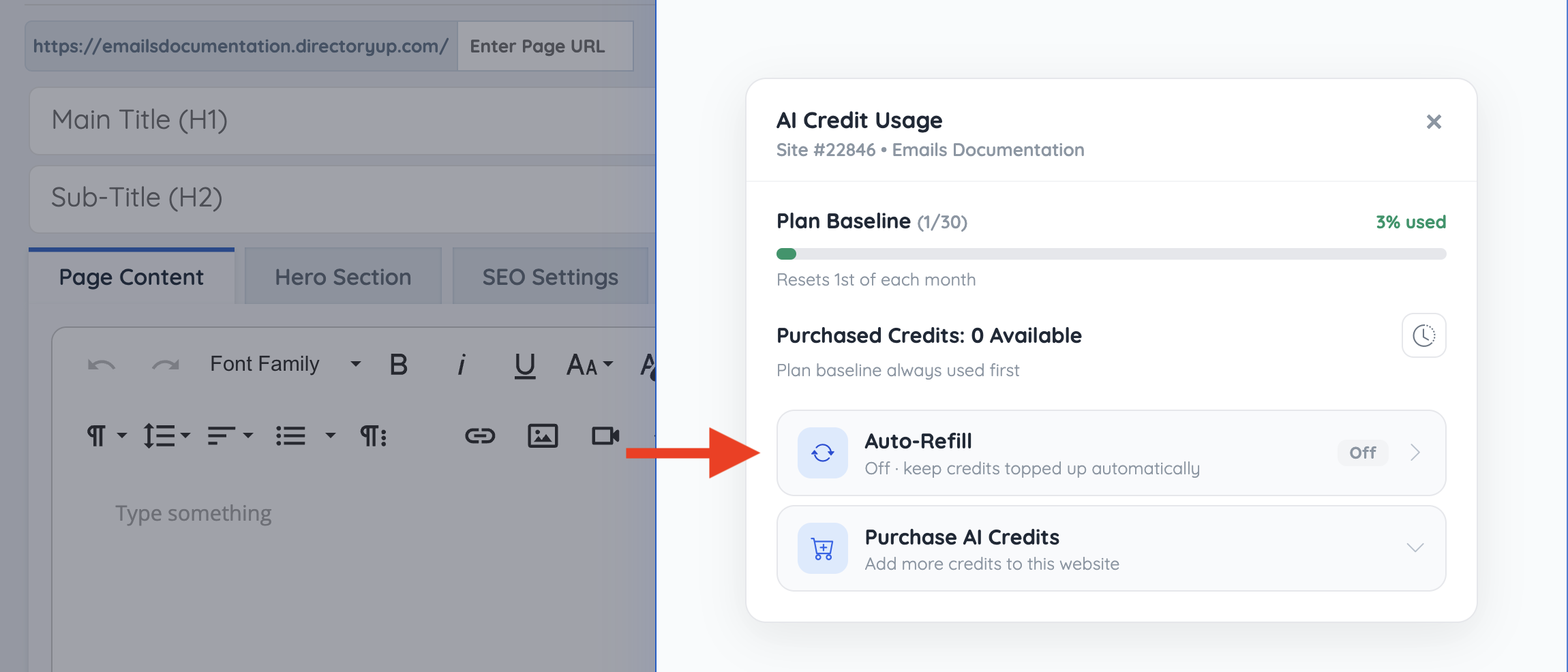
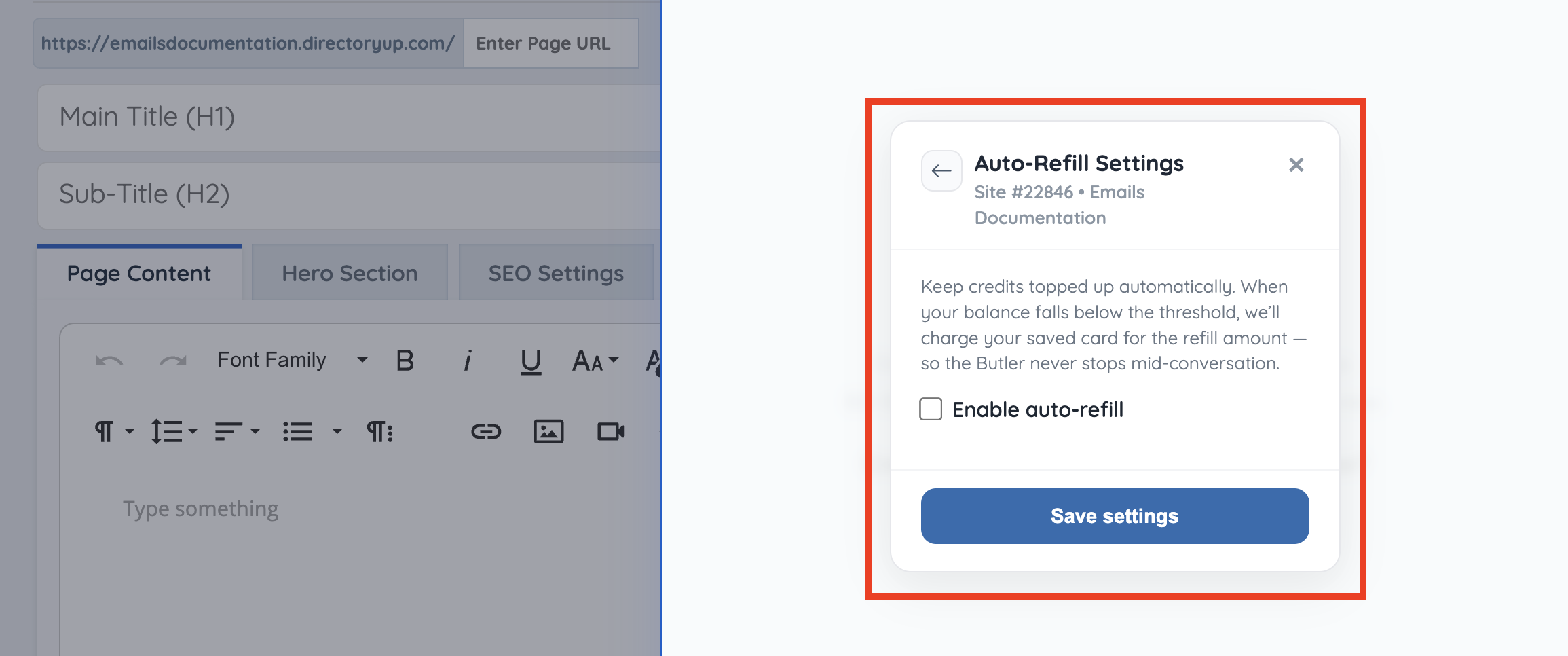
Auto-refill keeps purchased credits topped up automatically. When the purchased credit balance falls below the selected threshold, the saved payment method is charged for the selected refill amount.
This helps prevent BD Butler from stopping mid-conversation when the included plan credits and purchased credits have already been used.
Enable Auto-Refill
To enable auto-refill, check Enable auto-refill and choose a refill amount.
- Open BD Butler PRO
- Click the More menu
- Select Auto-Refill Settings
- Check Enable auto-refill
- Select the refill amount
- Enter the minimum balance threshold
- Click Save settings
Refill Amount
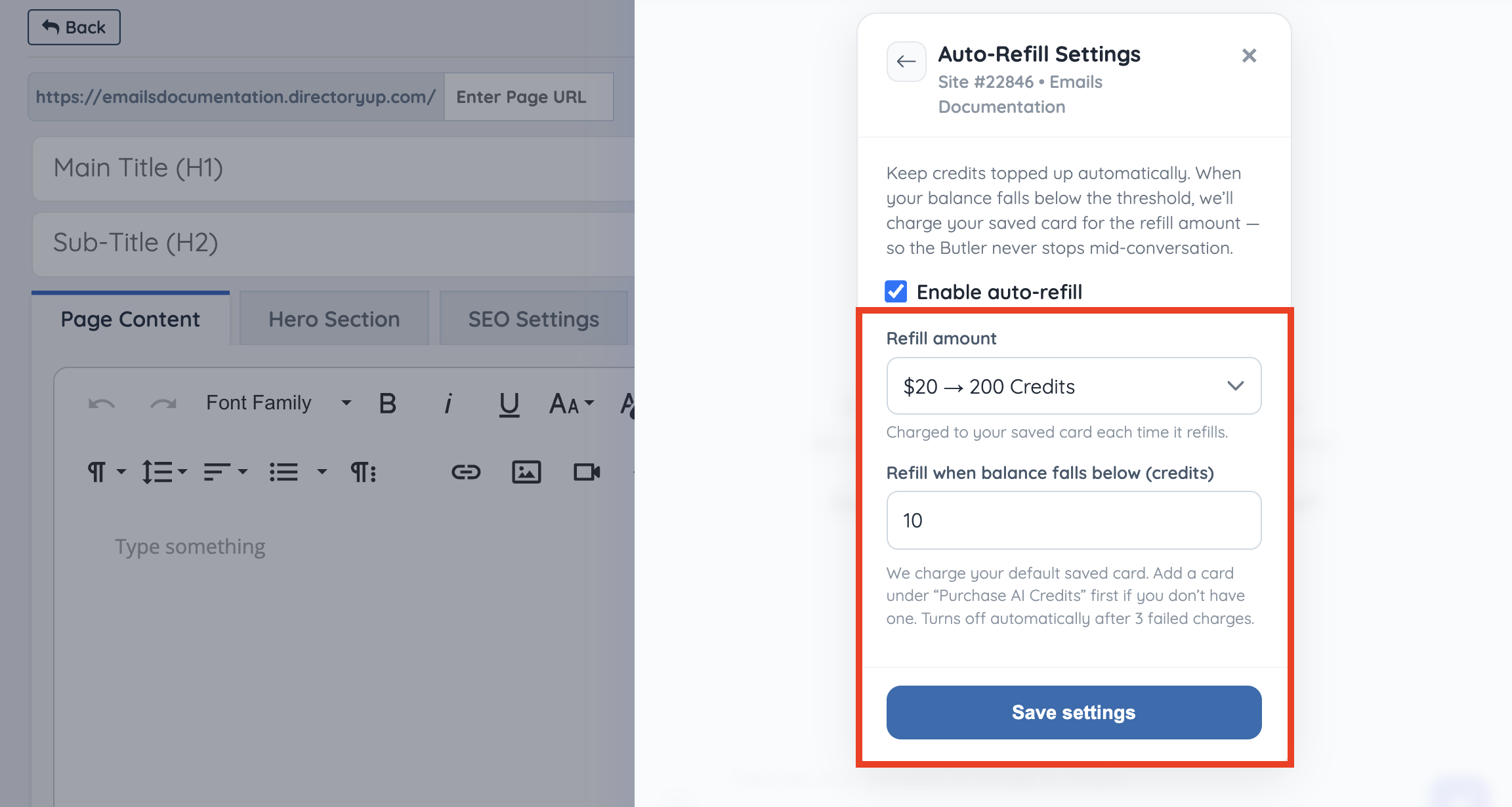
The refill amount controls how many credits are purchased each time auto-refill is triggered.
The same credit packages available for manual purchases can be selected for auto-refill:
- $10 → 100 Credits
- $20 → 200 Credits
- $50 → 500 Credits
- $100 → 1,000 Credits
- $250 → 2,500 Credits
- $500 → 5,000 Credits
- $750 → 7,500 Credits
- $1,000 → 10,000 Credits
Refill Threshold
The refill threshold controls when auto-refill runs. For example, if the threshold is set to 10, the saved card will be charged for the selected refill amount when the purchased credit balance falls below 10 credits.
The default saved card is used for auto-refill. If no card is saved yet, a card must first be added by purchasing AI credits manually.
Auto-refill turns off automatically after 3 failed charges.
Purchase Credits
Available credit packages include:
- $10 → 100 Credits
- $20 → 200 Credits
- $50 → 500 Credits
- $100 → 1,000 Credits (+250 bonus)
- $250 → 2,500 Credits (+500 bonus)
- $500 → 5,000 Credits (+1,500 bonus)
- $1,000 → 10,000 Credits (+5,000 bonus)
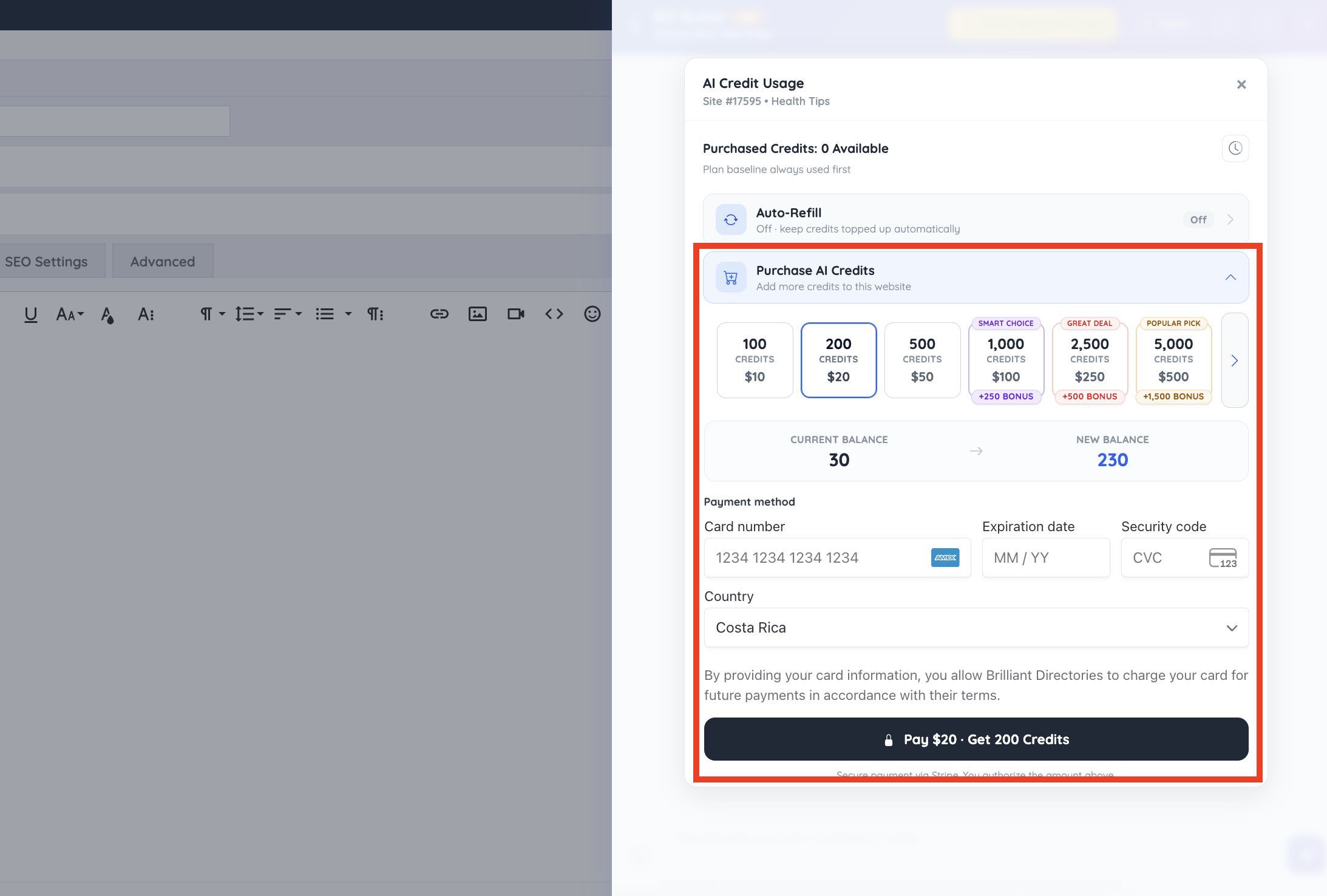
The purchase screen shows the current credit balance and the new balance before payment is completed.
Payment Method
After selecting a credit package, enter the payment method details to complete the purchase. The payment button confirms the selected amount and the number of credits being added to the website.
Payments are processed securely through Stripe. The selected card may also be used for future payments when authorized.
Search Members
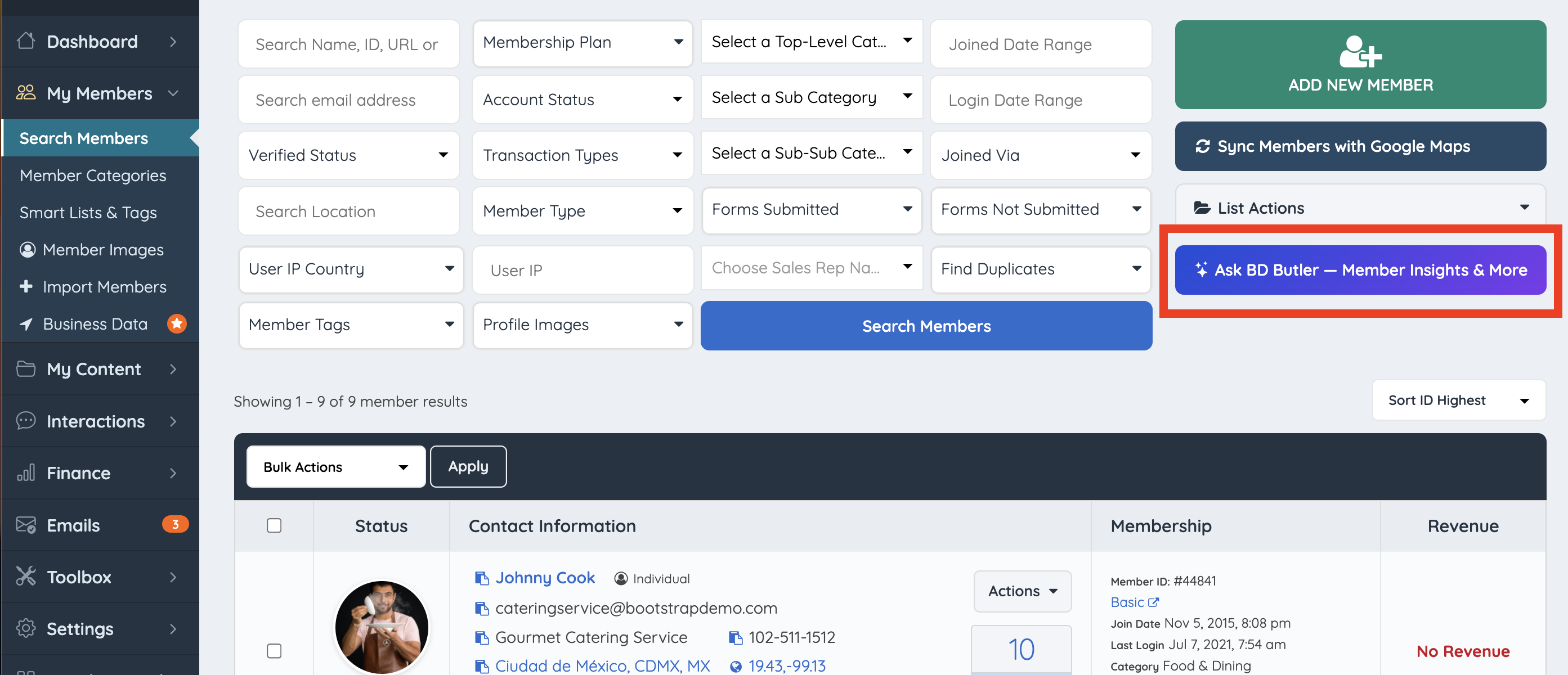
BD Butler can also be accessed from the Search Members page to help review and understand member-related data.
This can be useful when looking for patterns across members, comparing membership plans, reviewing account activity, or asking questions about specific groups of members.
- Go to Members
- Open Search Members
- Click the BD Butler button
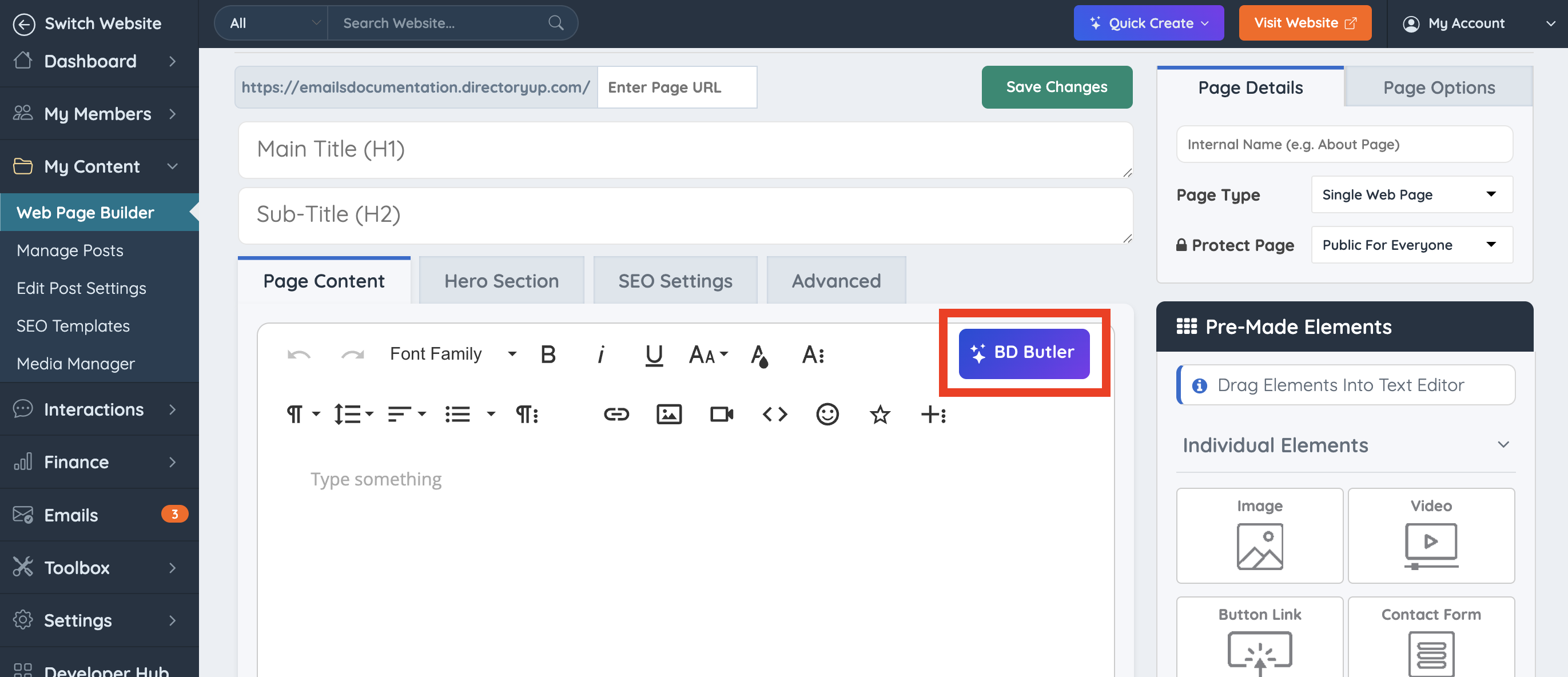
Web Page Builder
Use BD Butler to generate page content, layouts, and structured elements directly while creating or editing website pages.
- Go to My Content
- Open the Web Page Builder
- Edit or create a web page
- Click the BD Butler button
Transaction History
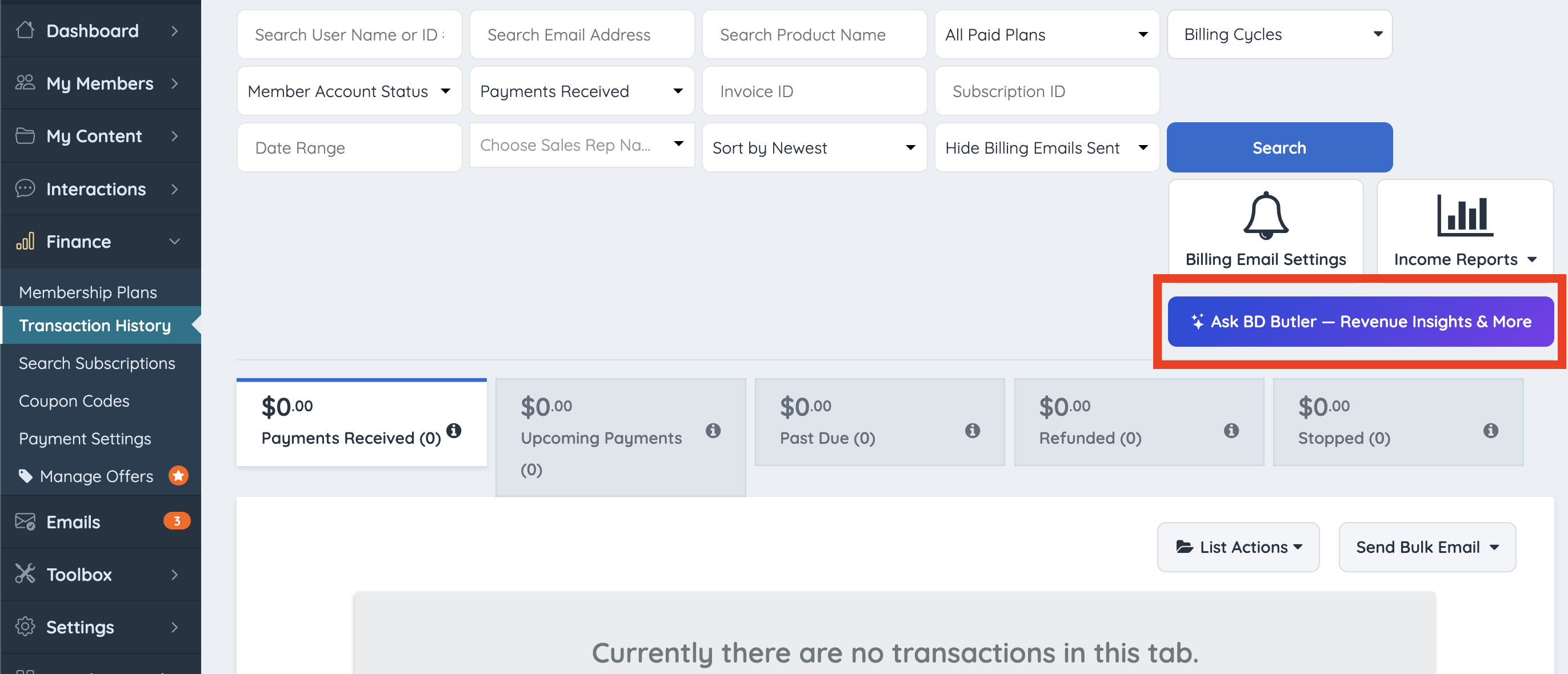
BD Butler can be accessed from the Transaction History page to help review payment and revenue-related activity.
This makes it easier to ask questions about revenue, invoices, payments, refunds, subscriptions, and other transaction data without manually sorting through the full transaction history.
- Go to Finance
- Open Transaction History
- Click the BD Butler button
Email Templates
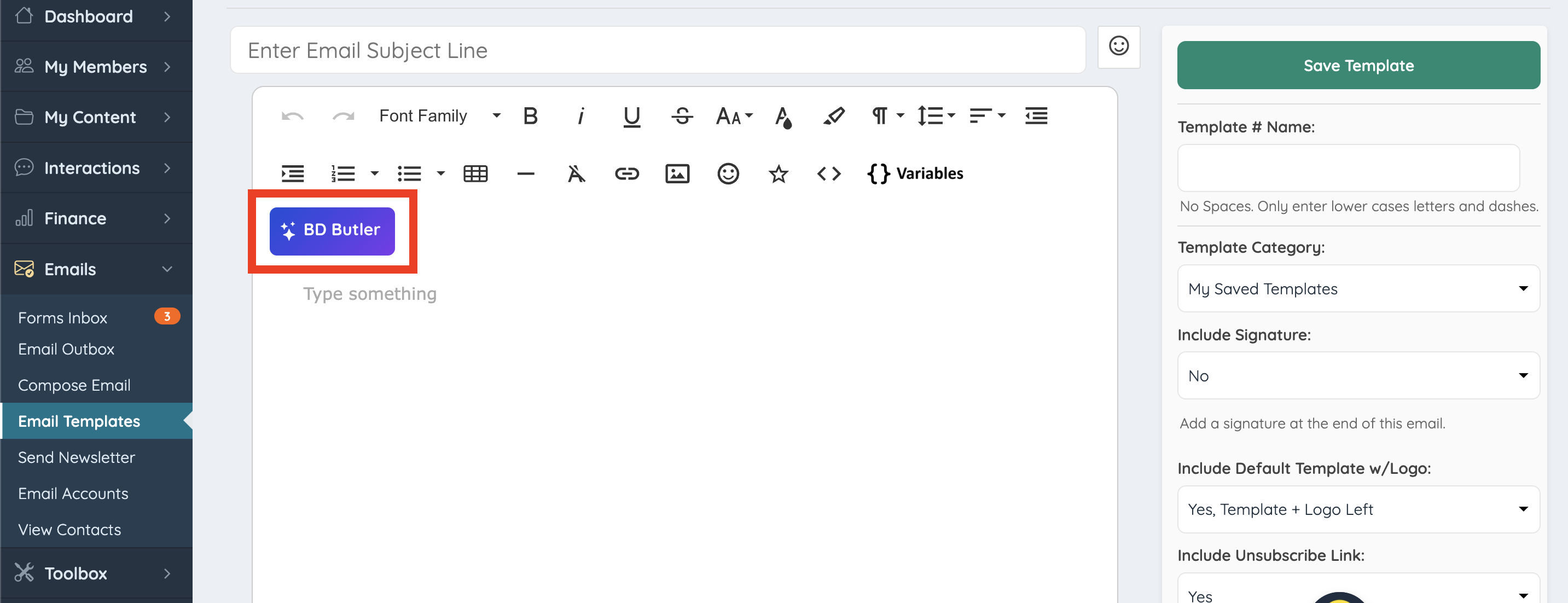
Use BD Butler to draft and refine email content or generate structured layouts for emails sent from the website.
- Go to Emails
- Open Email Templates
- Edit or create an email template
- Click the BD Butler button
Send Newsletters
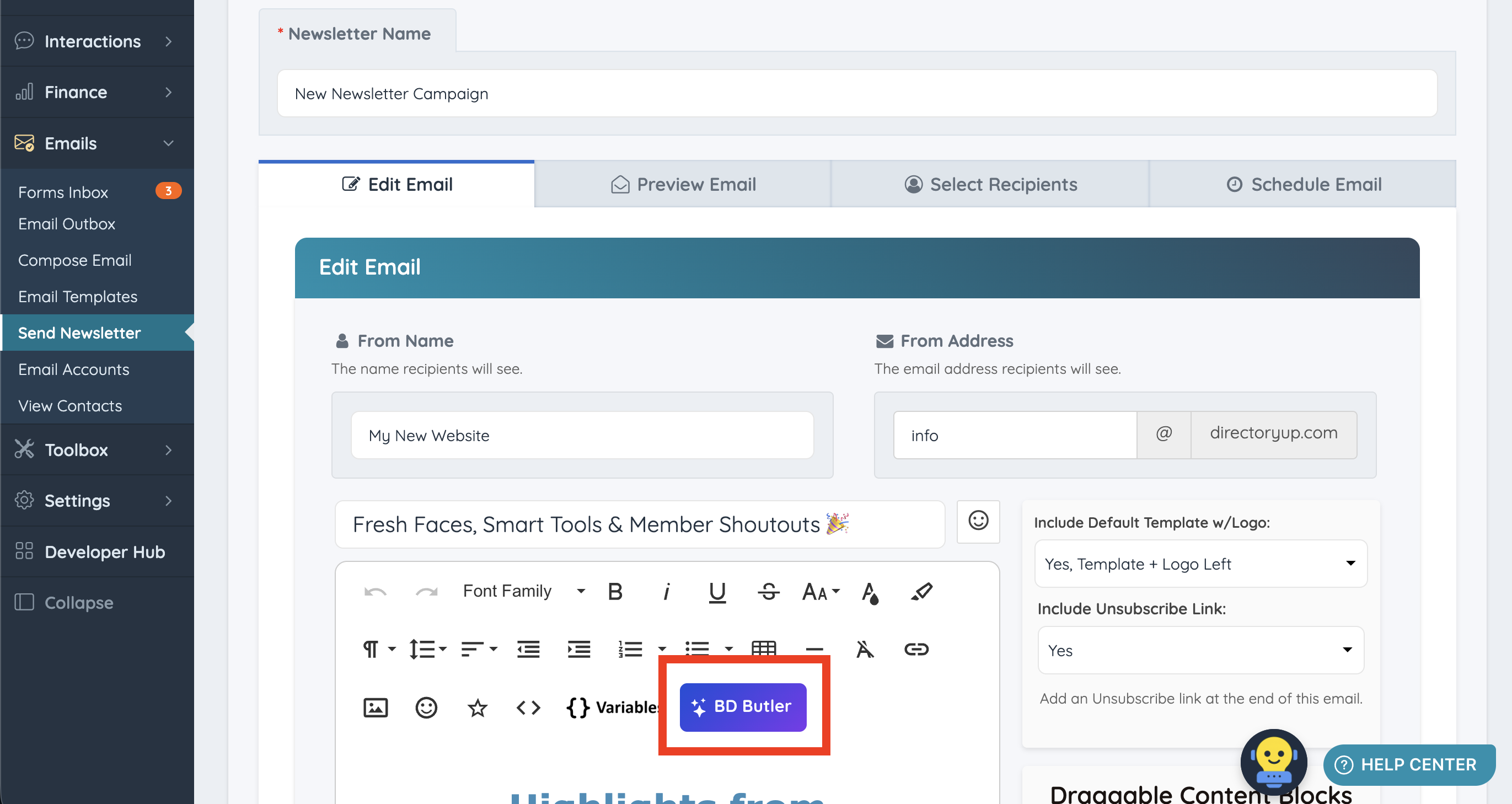
Use BD Butler to draft and refine newsletter content before sending emails to selected members or email lists.
- Go to Emails
- Open Send Newsletter
- Edit or create an email newsletter
- Click the BD Butler button
Custom Widgets
Use BD Butler to create or modify custom widgets, including interactive tools, design components, and dynamic page features.
- Go to Toolbox
- Open the Widget Manager
- Edit an existing custom widget
- Click the BD Butler button
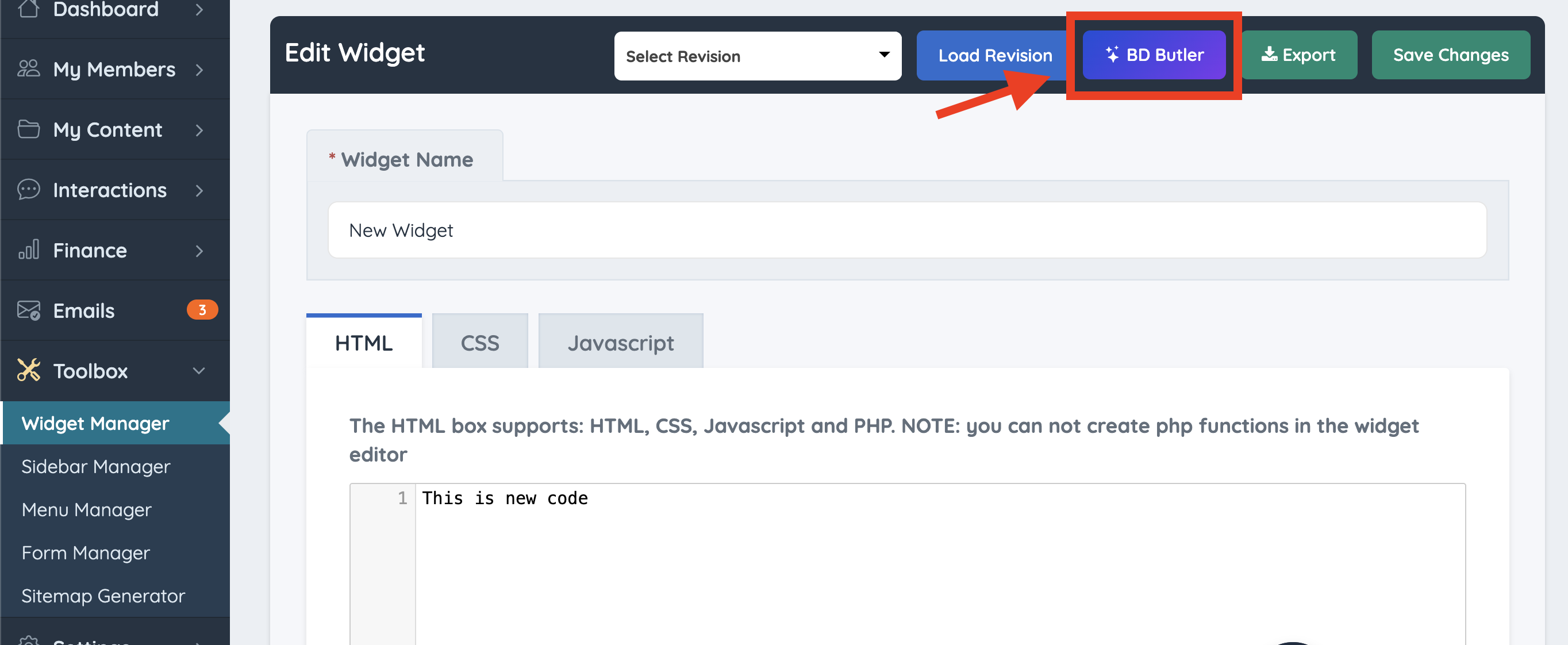
BD Butler is available only when editing a widget inside the Custom Widgets area. It will not appear when creating a new widget or when selecting Customize on a default system widget.
Using BD Butler
Because BD Butler accepts sequential instructions, administrators can refine results step-by-step. For example, an initial prompt can generate written content, followed by additional prompts to restructure the layout, add structured data, or transform the content into a more advanced landing page design.
This workflow allows pages, tools, marketing elements, member summaries, and revenue insights to be reviewed or generated directly within the Brilliant Directories platform.
Common Examples
Common examples of tasks BD Butler can assist with include:
- Creating functional widgets such as calculators, tools, or interactive components
- Generating page layouts and structured landing page sections
- Producing SEO-focused content targeting specific keywords or locations
- Adding structured data such as JSON-LD schema markup for improved search visibility
- Converting basic written content into fully structured landing pages
- Reviewing member activity and membership plan performance
- Summarizing transaction data and revenue trends
Generating Page Layouts
Enter a prompt into BD Butler and it will generate content directly inside the module.
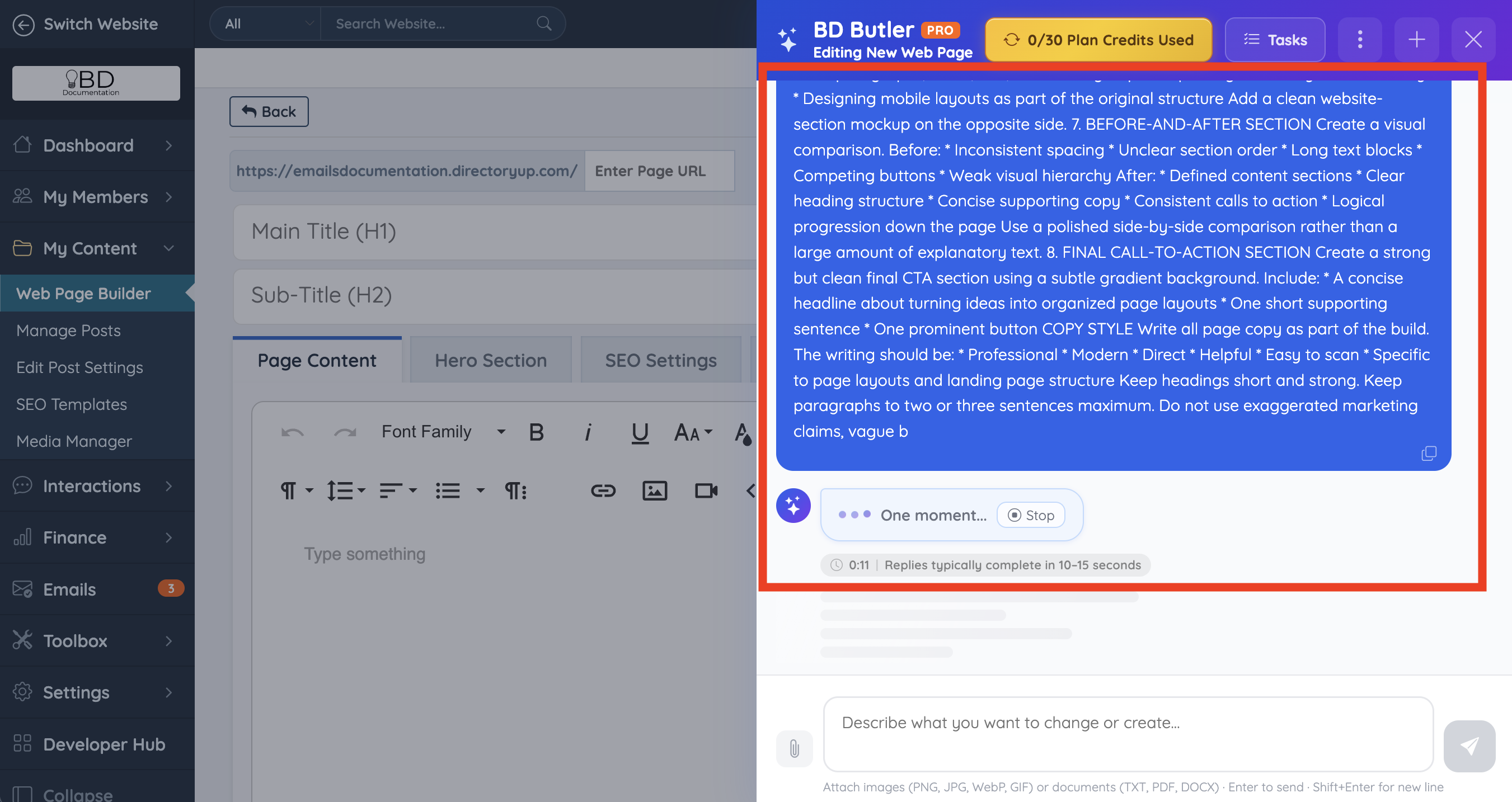
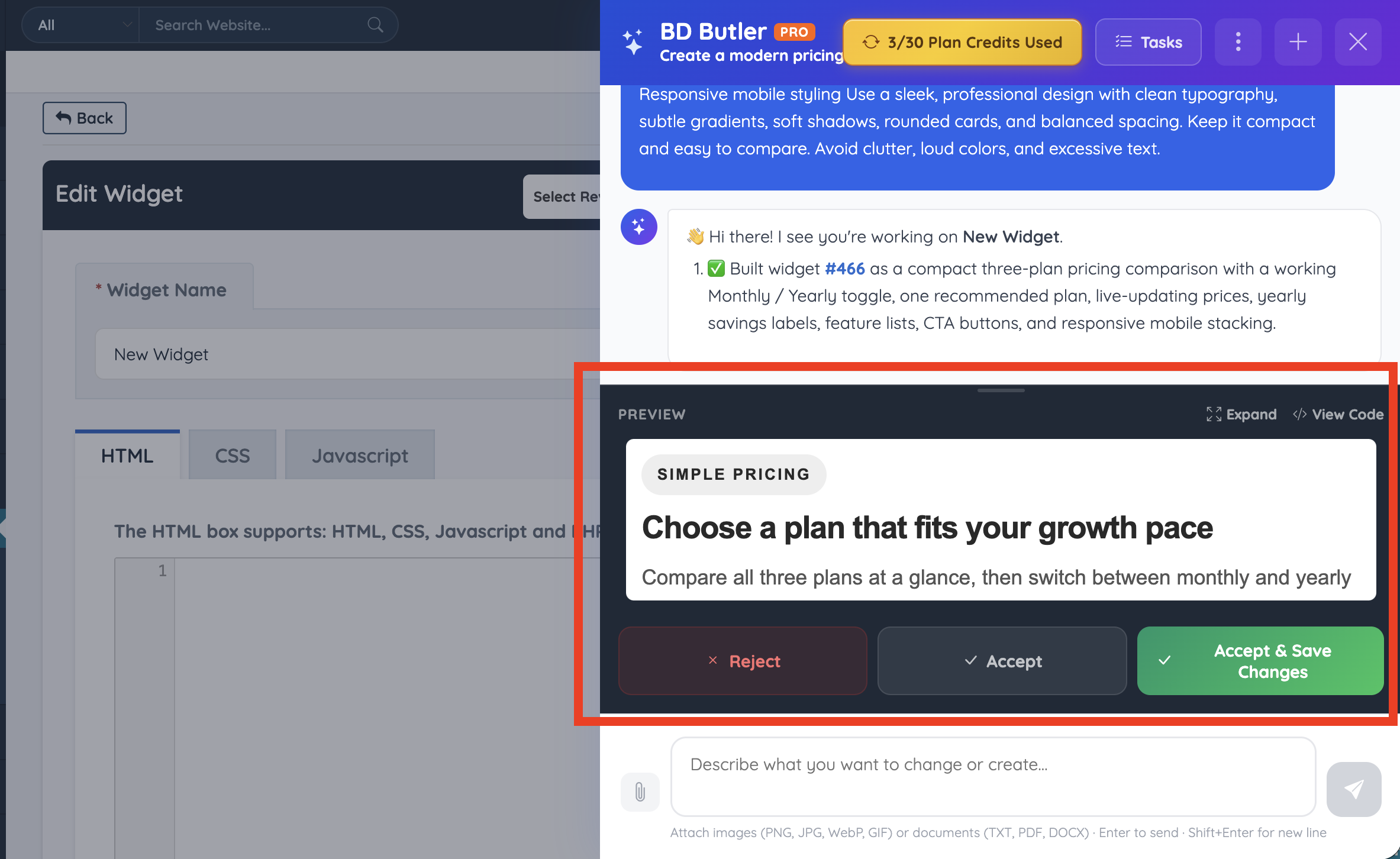
When BD Butler finishes generating content, it will appear directly in the module with options to preview the result, expand the view, or view the generated code.
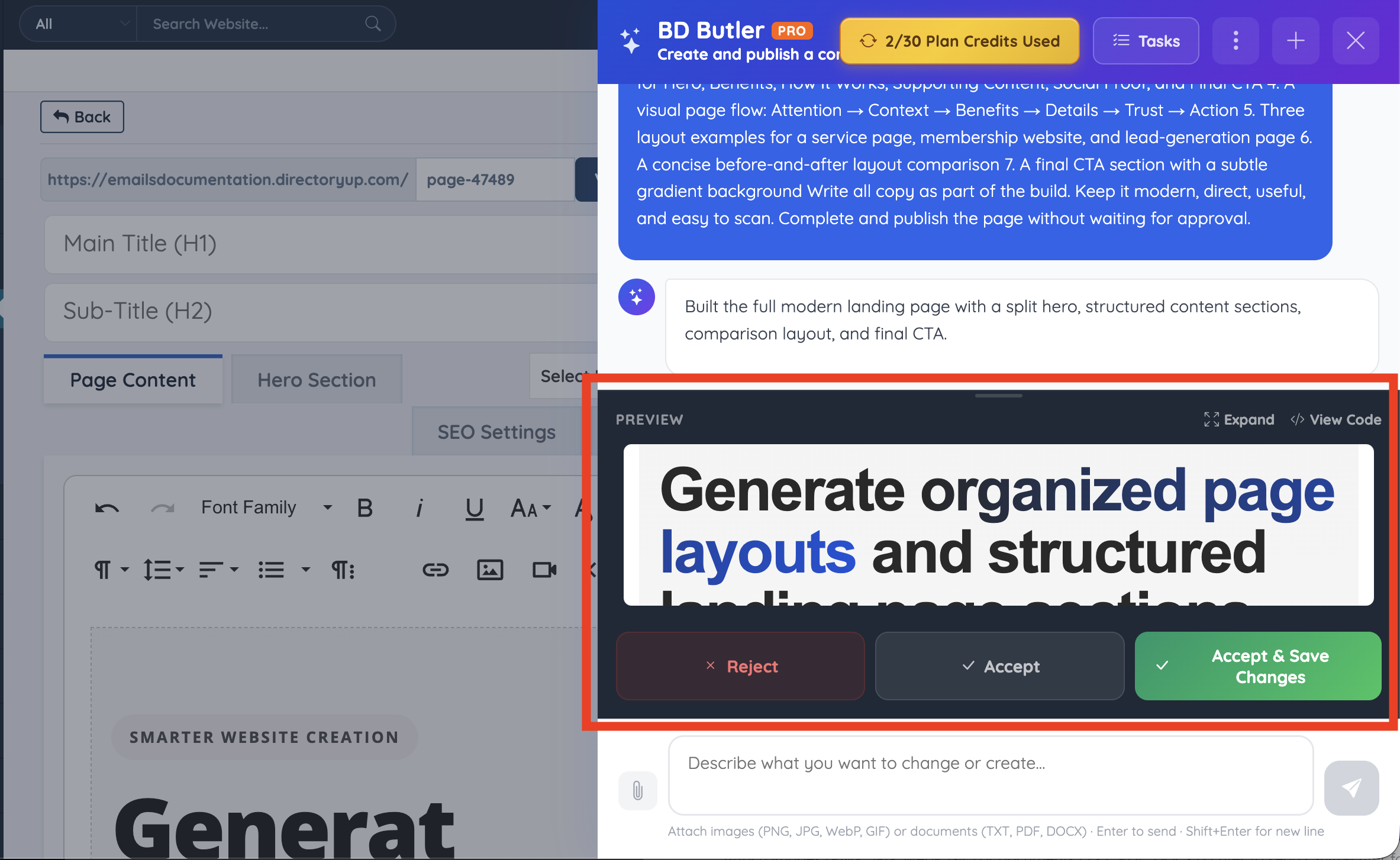
From there, one of the following actions can be selected:
- Reject: Discard the generated content.
- Accept: Apply the generated content.
- Accept & Save Changes: Apply the content and save the changes.
Finished Page
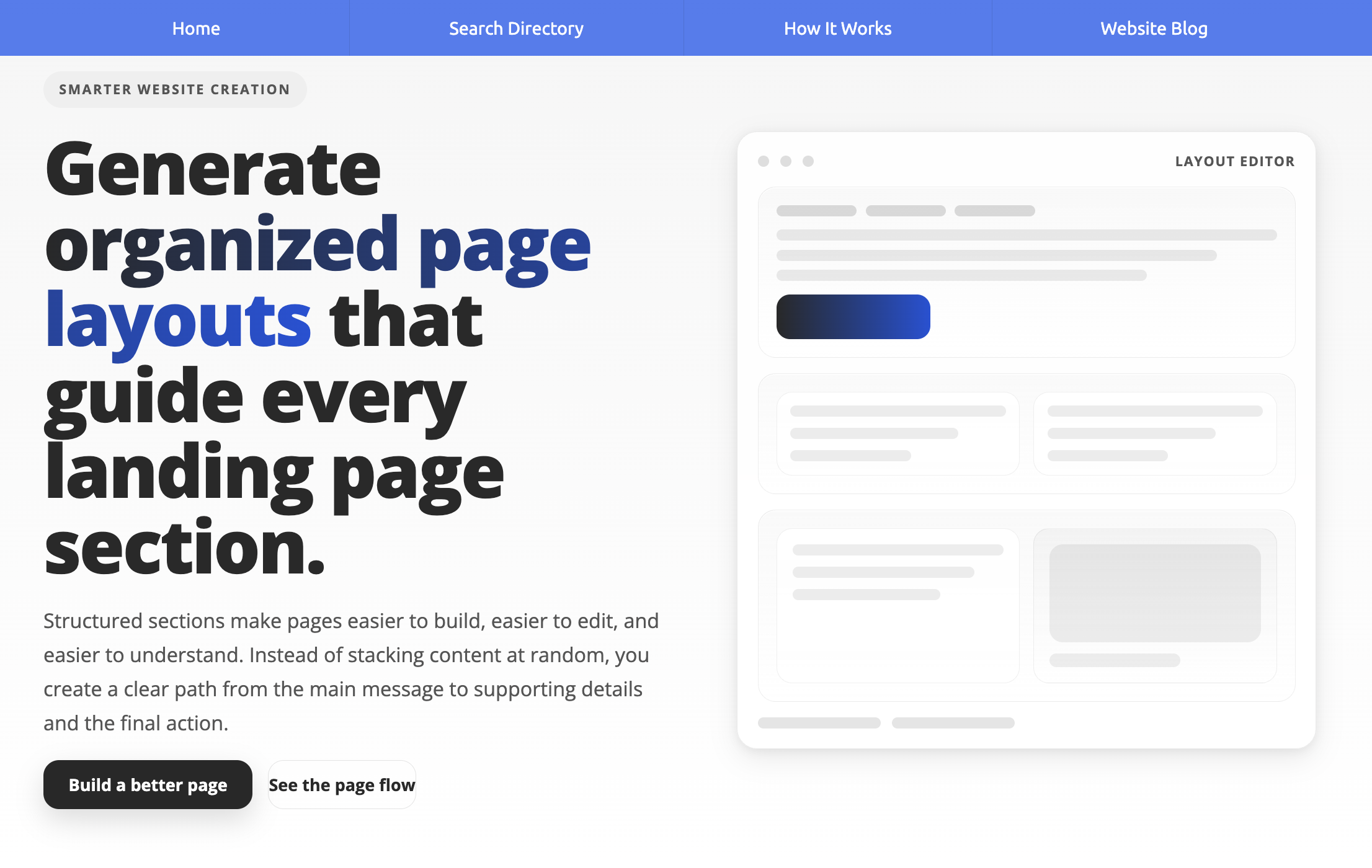
Example Prompts
Example prompts that can be used with BD Butler include:
- Create a mortgage calculator widget with an amortization table.
- Build a continuous scrolling testimonials carousel.
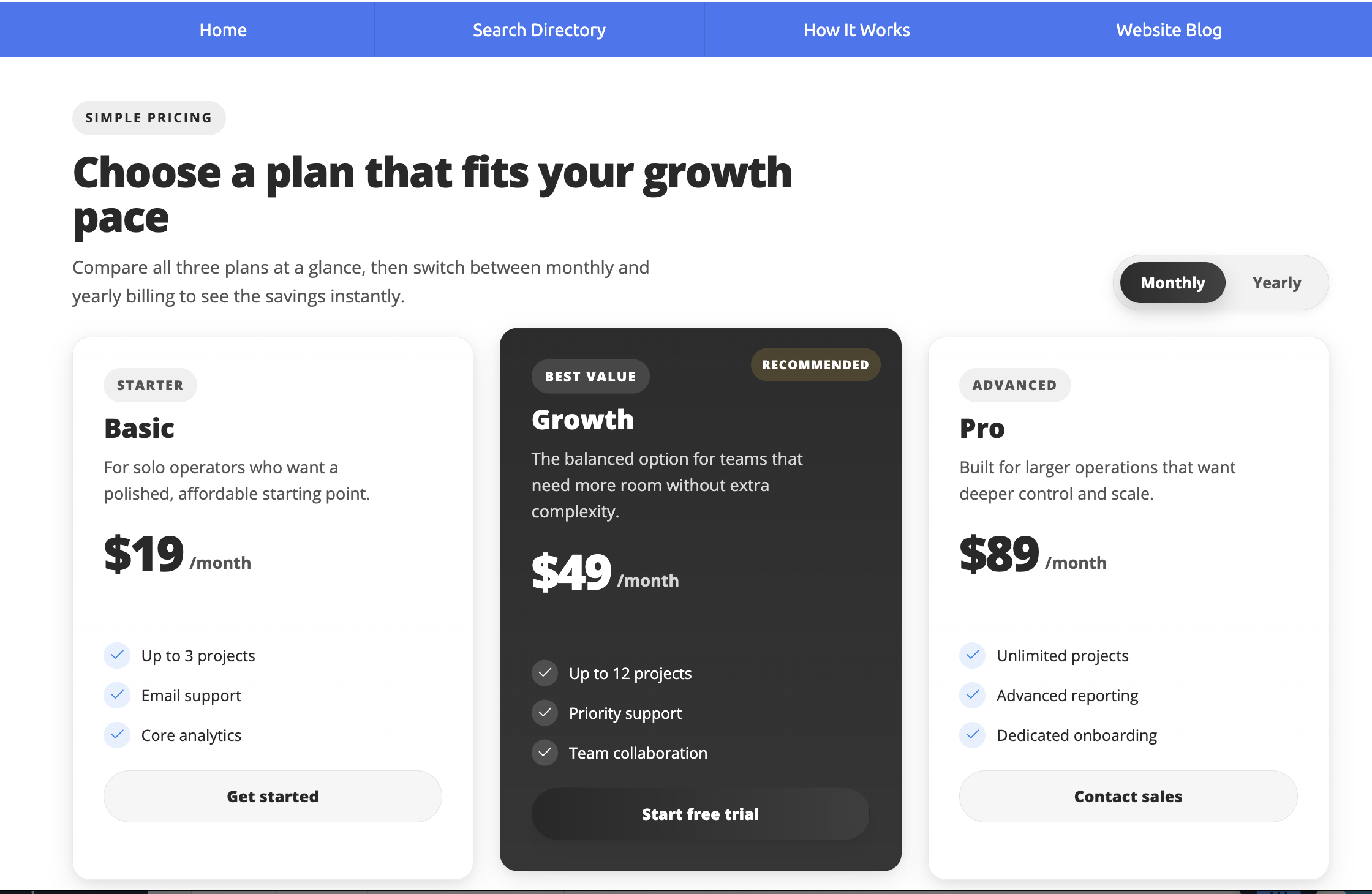
- Generate a pricing comparison table with a monthly and yearly toggle.
- Write a full SEO page targeting “Best Dentists in Austin.”
- Convert this content into a structured landing page with clear hierarchy and JSON-LD schema markup.
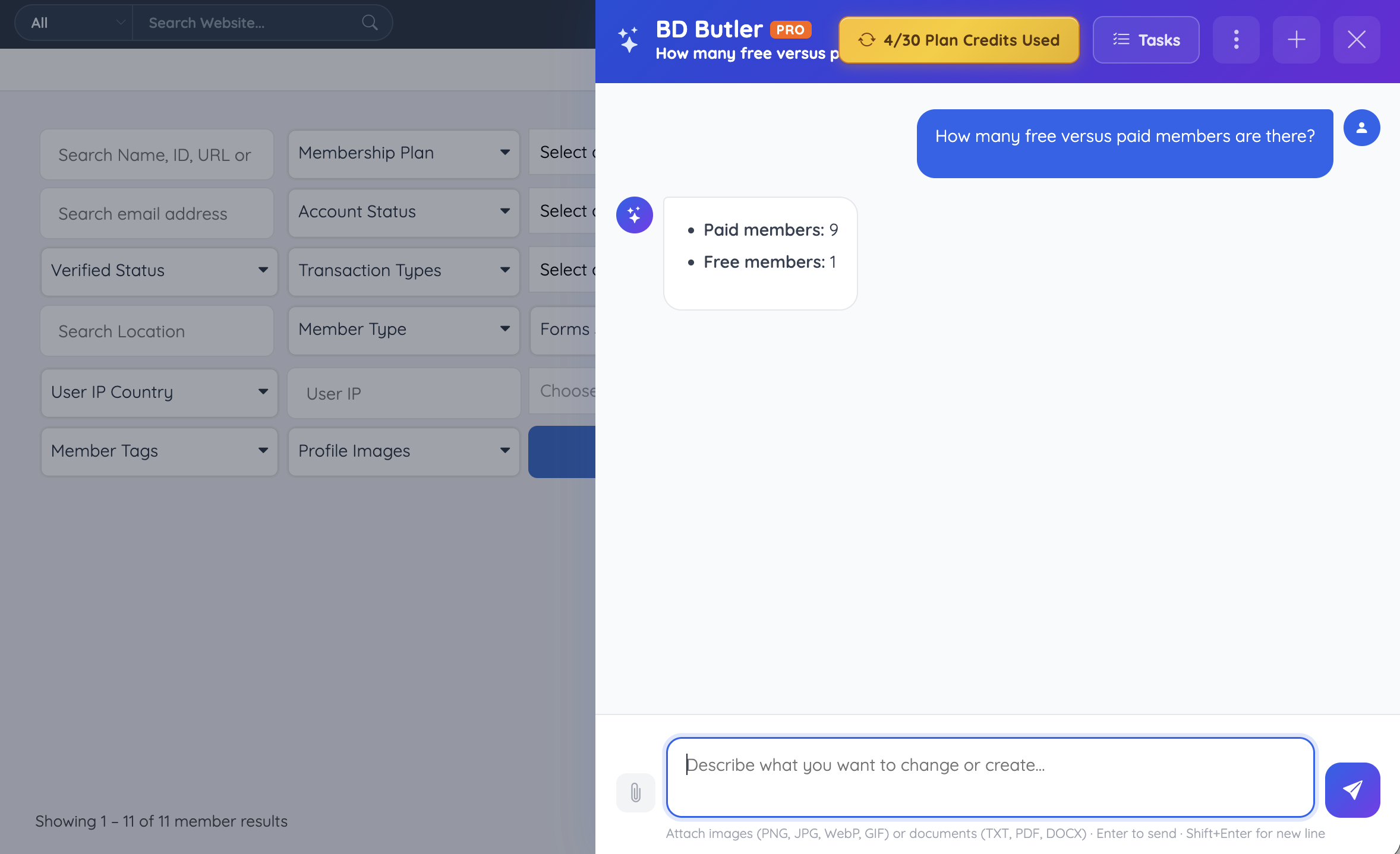
- Show how many active members are on each membership plan.
- Summarize revenue by month for this year.
Pricing Comparison Table
Enter a prompt into BD Butler and it will generate a structured widget that can be reviewed, expanded, or copied into the website.
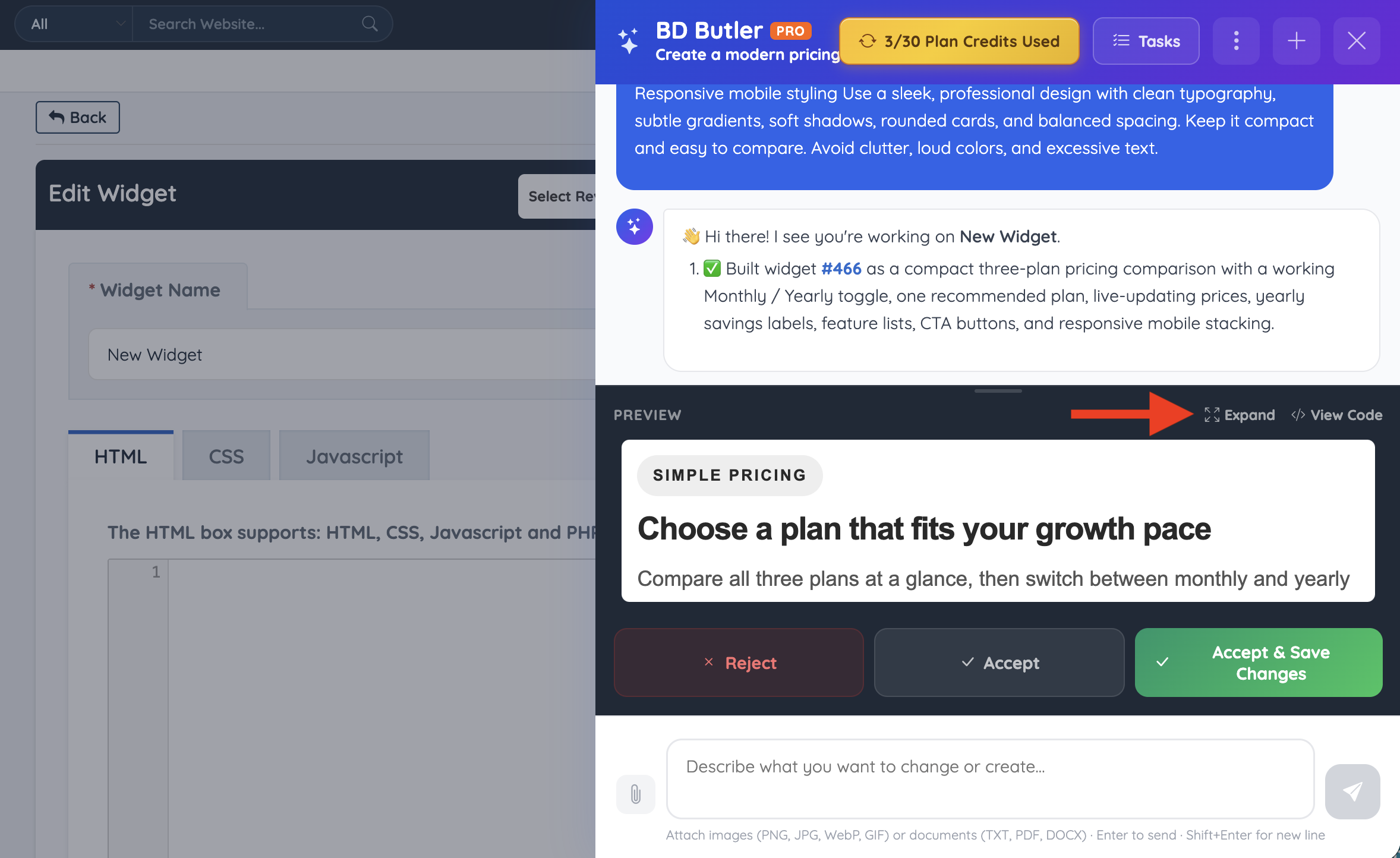
Expand Results
The BD Butler module can be expanded to show the full generated result.
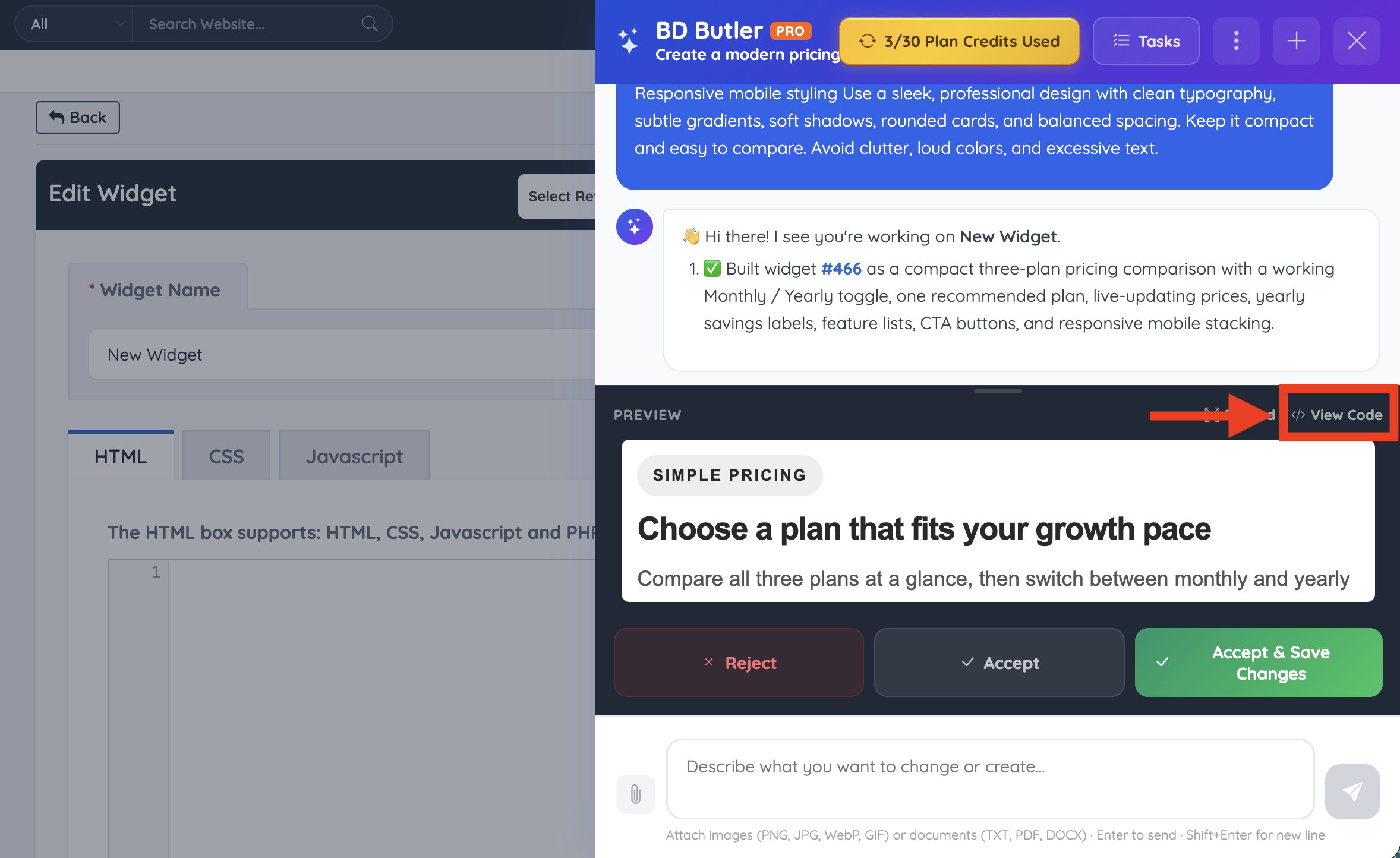
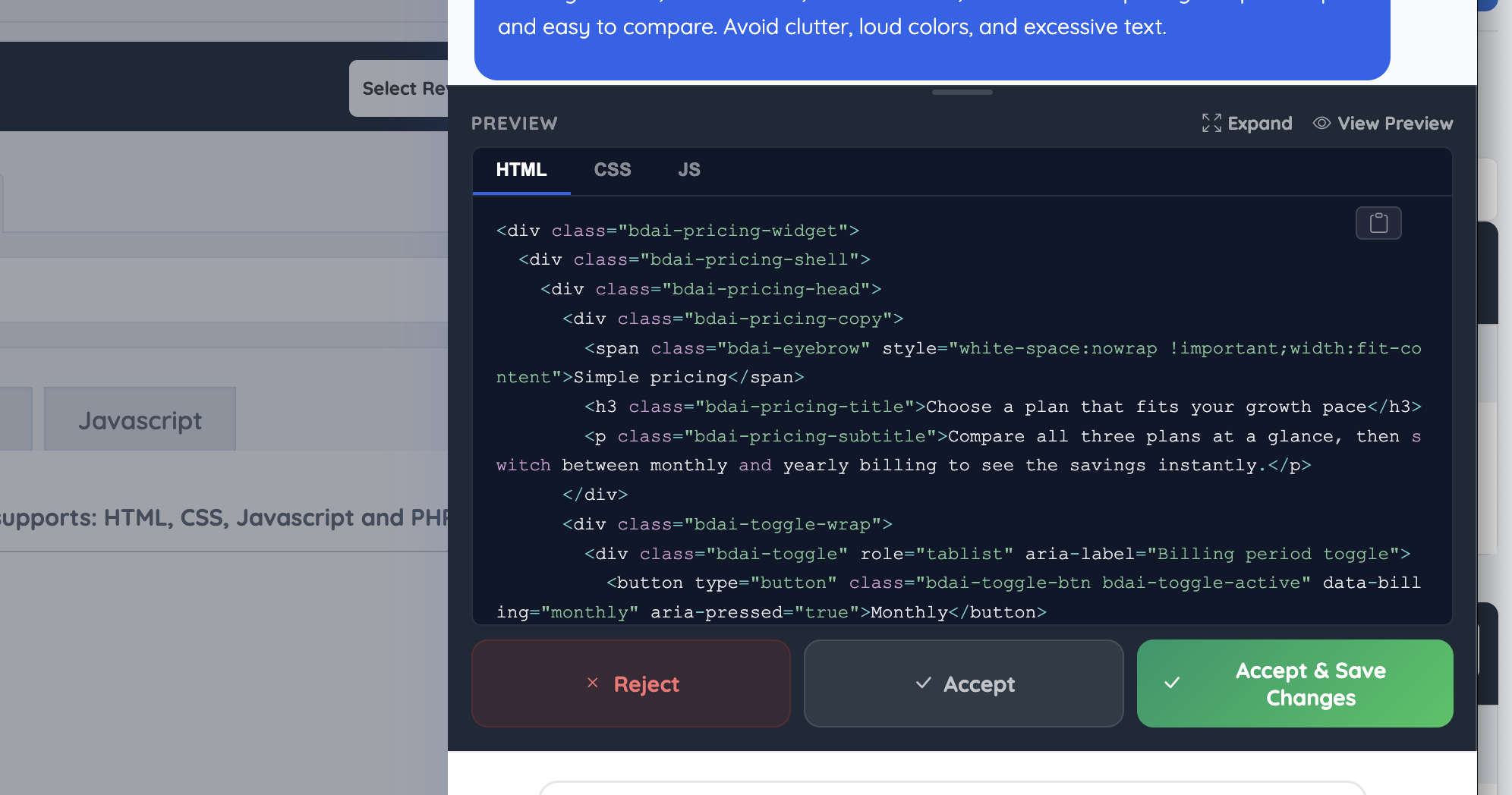
View Code
The generated code can be viewed instead of the preview when the output needs to be copied, reviewed, or manually adjusted.
Finished Widget
The finished widget can be pasted into any page or location on the site where custom code or widgets are supported.
What Can You Ask BD Butler?
BD Butler can answer questions about content, members, categories, transactions, and revenue depending on where it is opened in the admin.
Ask about any of these site topics:
- Members
- Revenue
- Transactions
- Membership plans
- Categories
- Website performance
Website Performance
Common examples include:
- “What is the current refund rate?”
- “What is the average revenue per member?”
- “Which membership plan generates the most revenue?”
- “How many free versus paid members are there?”
- “Which members are expiring in the next 7 days?”
Revenue Insights
BD Butler can help summarize revenue activity from transaction data, including monthly totals, plan performance, refunds, past-due invoices, and payment trends.
This is especially useful when reviewing financial activity from the Transaction History page.
Example revenue questions include:
- “What is the total revenue this month?”
- “Which membership plan generated the most revenue?”
- “What is the average revenue per member?”
- “Can revenue be broken down by month for this year?”
- “Who are the top paying members this year?”
Advanced Analysis
For more advanced analysis, BD Butler can also handle deeper queries such as:
- “Who are the top paying members this year?”
- “Which invoices are past due by more than 60 days?”
- “Have any payments been received today?”
- “How many annual subscribers are using a coupon?”
- “Can revenue be broken down by month for this year?”
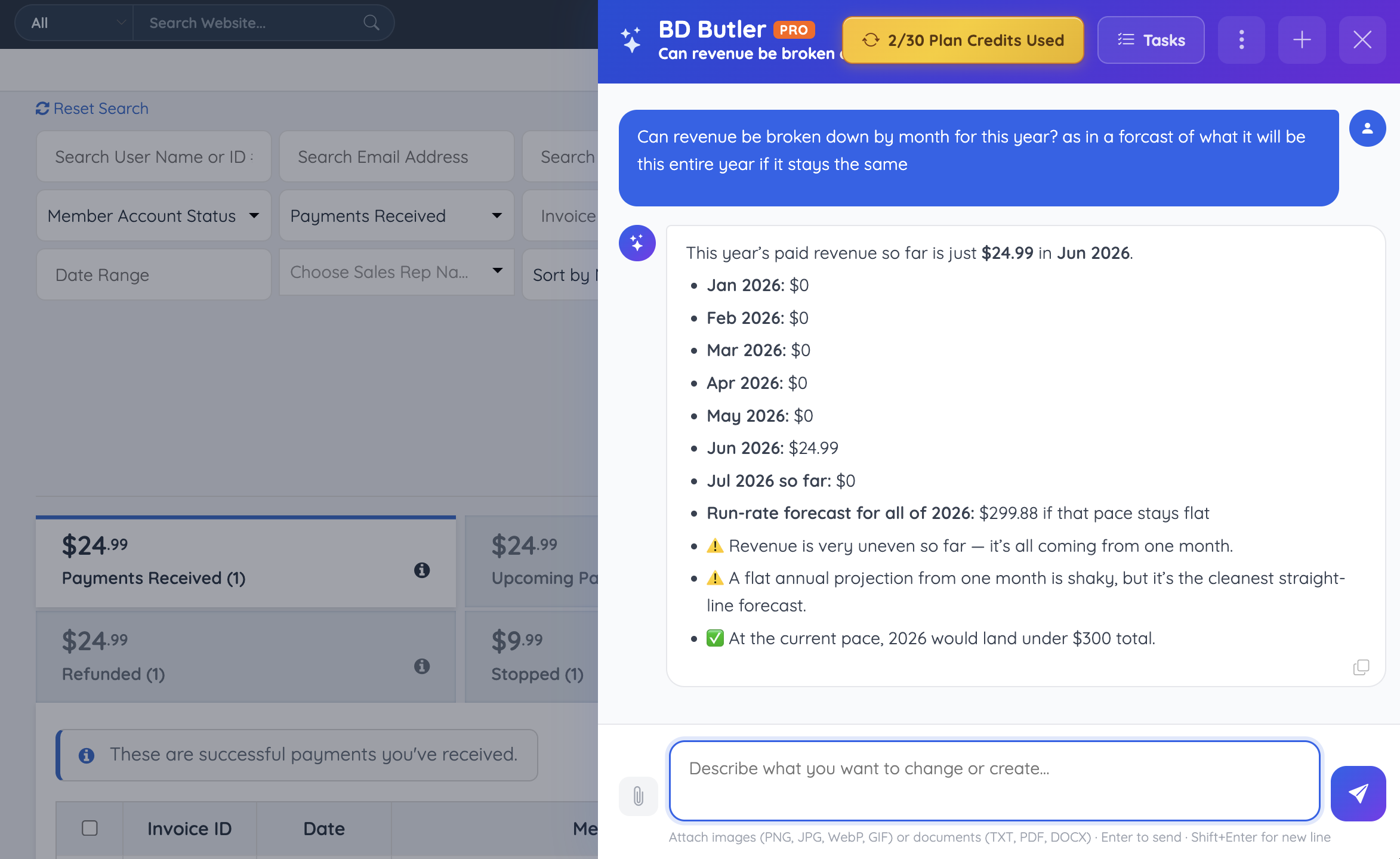
Filters can be combined, edge cases can be explored, and custom queries can be created to uncover patterns that may not be immediately visible.
Timeout Reference
| Scenario | Time | Message | Why This Happens |
|---|---|---|---|
| Connection Timeout | ~60s | “It looks like the connection to BD Butler was interrupted. Please check your internet and try again.” | The browser lost contact with the server. This is usually caused by unstable internet, Wi-Fi drops, or other connection interruptions. |
| Response Timeout | ~90s | “BD Butler is taking longer than expected to respond. Try again, or break your request into smaller parts.” | The connection is still active, but the AI has not started returning a response yet. This can happen with large or complex prompts. |
| Maximum Request Time | ~3.5 min | “This request exceeded the maximum processing time. Try breaking it into smaller, more specific requests.” | Every request has a hard limit to prevent runaway processing. If this happens, the request was likely too broad or complex. |
| Stopped by User | Instant | No message | The user clicked Stop or navigated away. BD Butler stops immediately. |
BD Butler: Vibe Coding Video
Watch a LIVE Webinar replay.
