
Creating a custom widget can come in handy when adding completely new functionality that the software does not offer by default.
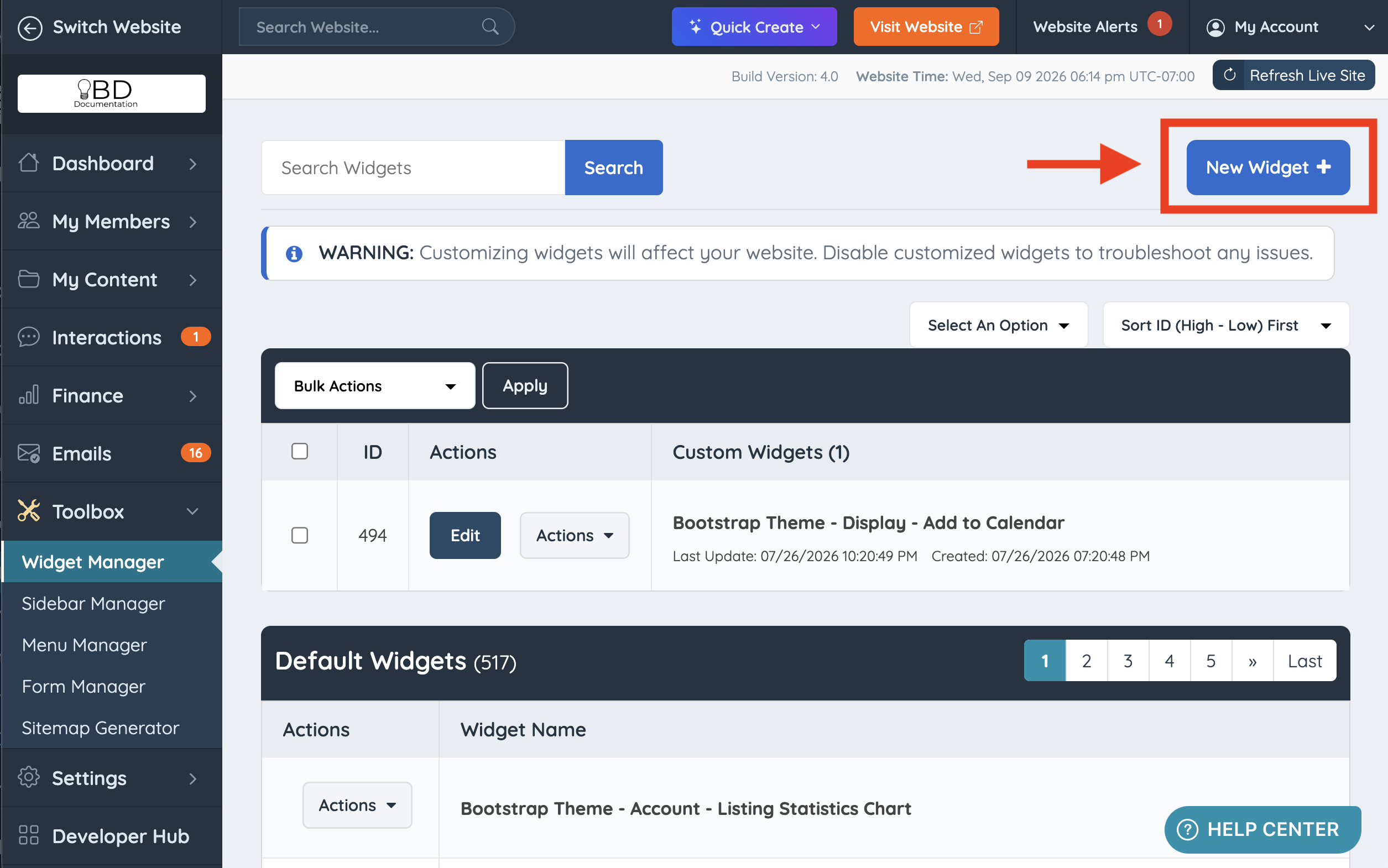
To create a new custom widget, navigate to Toolbox >> Widget Manager and click the New Widget + button:
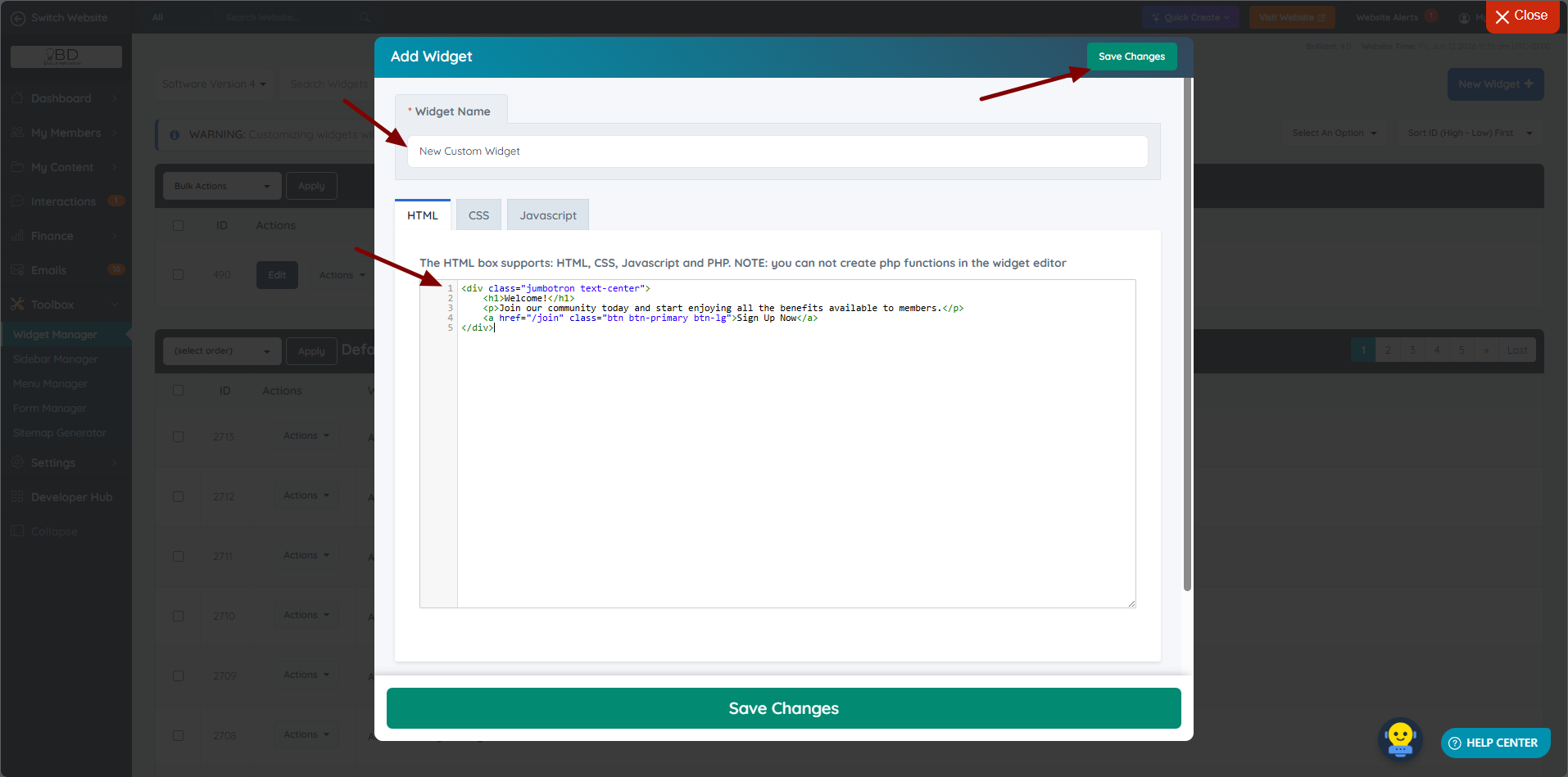
Name the widget, add the custom code in the tab corresponding to the code language, and click Save Changes:
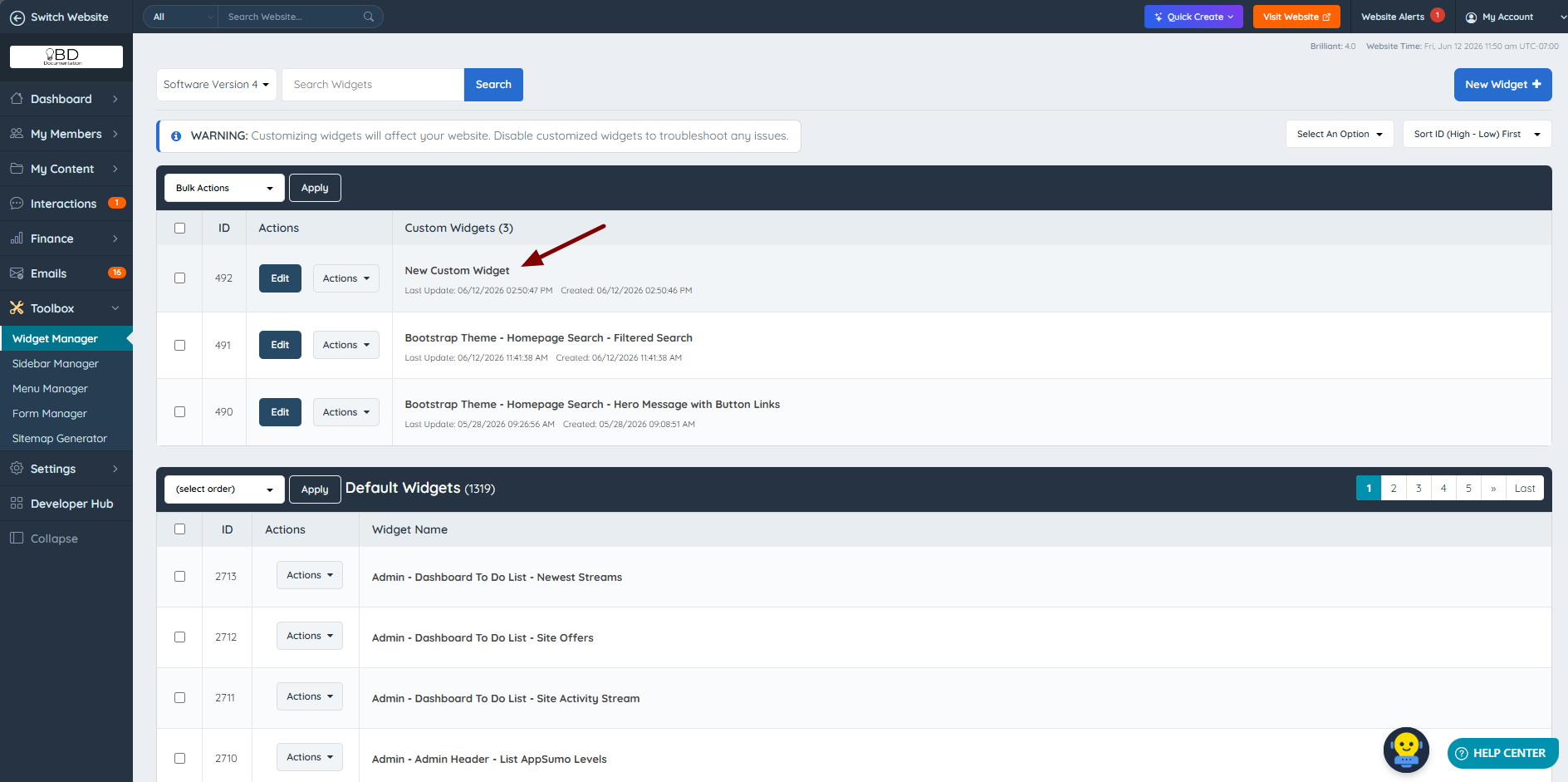
After saving the new widget, the module reloads and redirects back to the main Widget Manager page, where the new widget appears above the default widgets:
Once created, the custom widget can be used in two ways:
- In a sidebar: open Toolbox >> Sidebar Manager, edit the desired sidebar, search for the widget by name, and drag it into place. https://support.brilliantdirectories.com/support/solutions/articles/5000673365
- Anywhere widgets are supported (web pages, other widgets, SEO templates): call it with its shortcode, using the widget's exact name:
[widget=Widget Name][widget=Widget Name]
