
By default the URL structure of member profiles is: Country Name / City Name / Top Level Category / Member Name

Editing Member URL Structure
The way to customize this structure is by navigating in the admin.
- Settings tab
- click on Advanced Settings
Inside the advanced setting search for the setting:
Member Profile URL Structure
System Variable: member_profile_url_structure
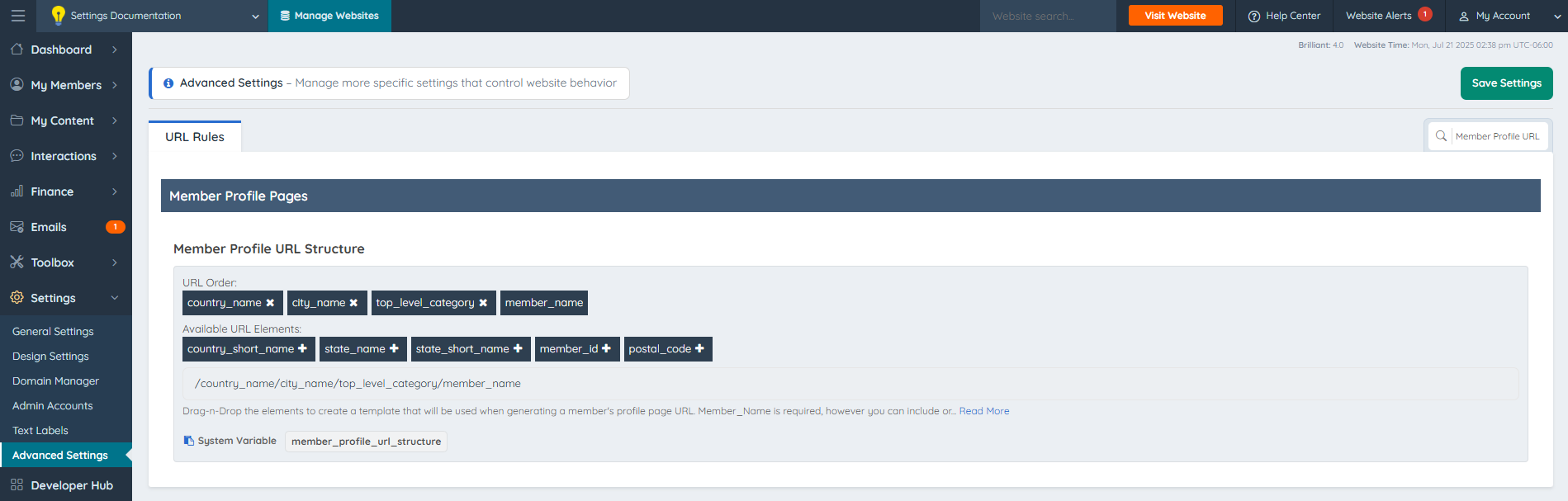
To add a new value select the plus sign next to the variable name:
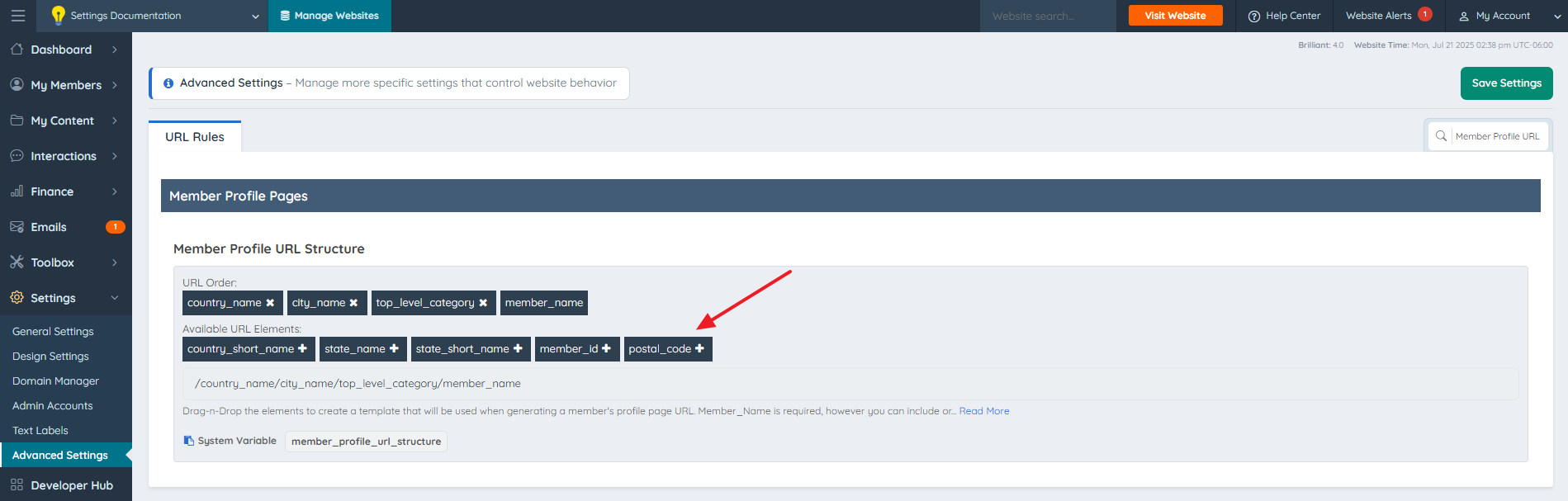
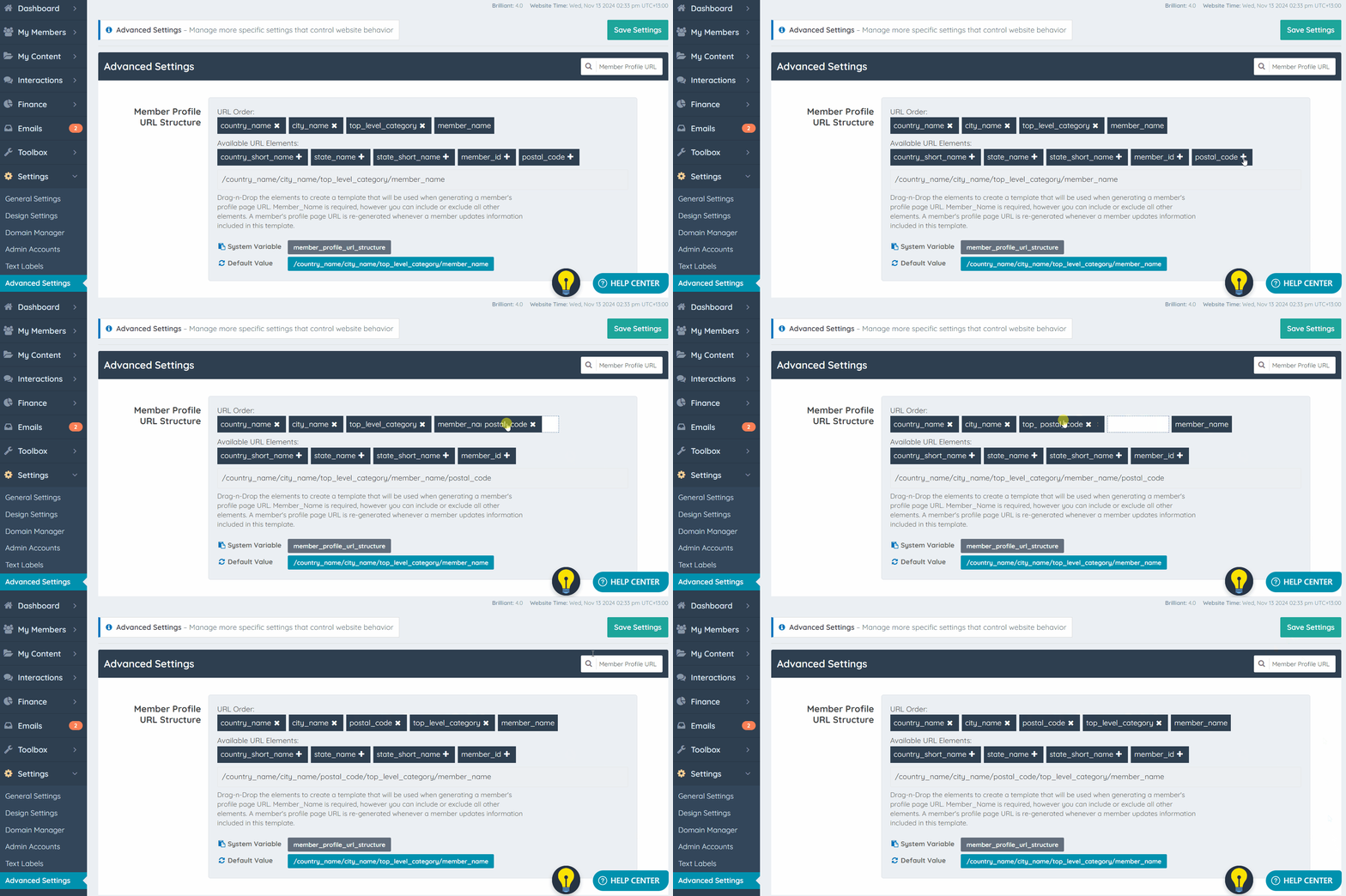
To alter the structure of the URL drag and drop each variable to the correct place:
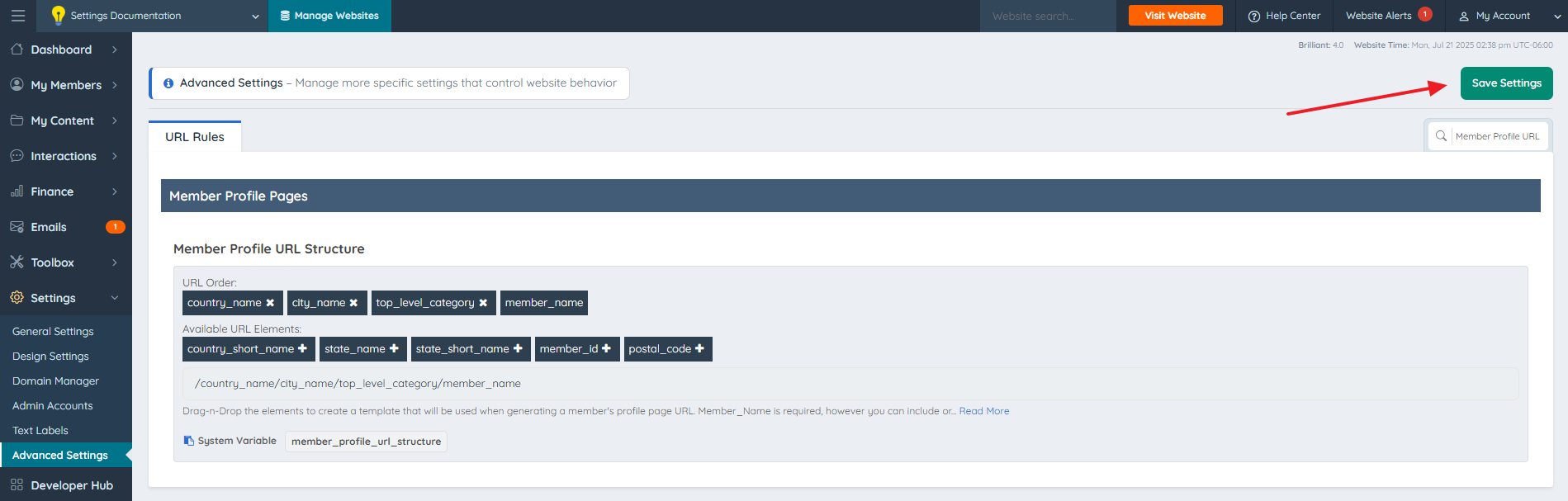
Once the Member Profile URL structure is customized, click Save to update this for all new members that register to the site.
Important: Updating the structure does not immediately rewrite every existing member URL. The structure applies when a new URL is generated or an existing URL is regenerated, including when a member saves Contact Details and the URL is not locked. When the profile URL changes through the standard update process, a 301 redirect is created from the old URL to the new URL.
Member Name Structure
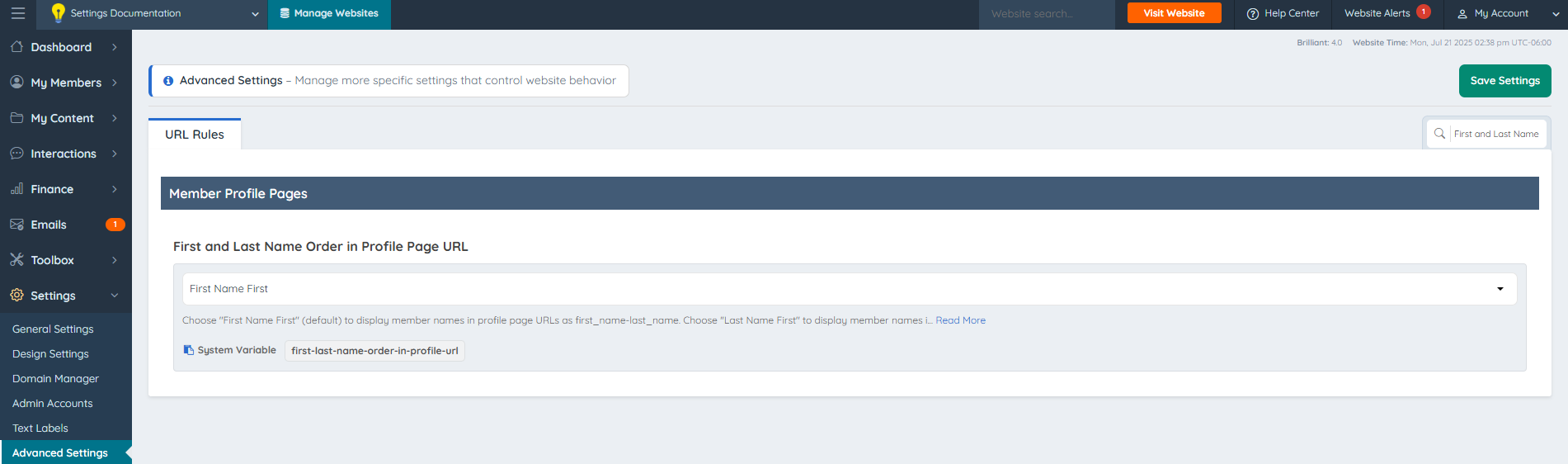
The member_name element can also be structured in a way to show "First Name - Last Name" or "Last Name - First Name" with the advanced setting:
First And Last Name Order In Profile Page URL
System Variable: first-last-name-order-in-profile-url
Available URL Elements
- country_name
- city_name
- top_level_category
- member_name
- country_short_name
- state_name
- state_short_name
- member_id
- postal_code
How Member Names Become URLs
When the system generates a URL from a member name, it formats the name or title for use in the URL:
- Straight and curly apostrophes are removed.
- Most other punctuation, symbols, and spaces become hyphens. Repeated hyphens are combined into a single hyphen.
- Underscores are preserved.
- Accented and non-Latin letters retain their existing handling. Some characters may appear as percent-encoded values in a copied URL.
| Original member name | Generated name or title portion |
|---|---|
| Ruby’s Clay Studio | rubys-clay-studio |
| Ruby's Clay Studio | rubys-clay-studio |
| Art • Studio | art-studio |
| Studio_Name | studio_name |
These examples show only the name or title portion. The full URL also follows the configured URL structure, and a duplicate URL may require an additional identifier.
Existing and Custom Member URLs
The formatting rules apply during URL generation or regeneration. A platform update does not automatically rewrite all stored URLs.
A locked custom profile URL is protected from automatic regeneration. The Quick Edit module includes the URL lock and an option to fetch a URL from the active SEO template. Review the generated URL before saving a deliberate change.
The same formatting applies to automatically generated URLs for imported members and to URLs regenerated with the URL update option in Bulk Actions.
