Steps
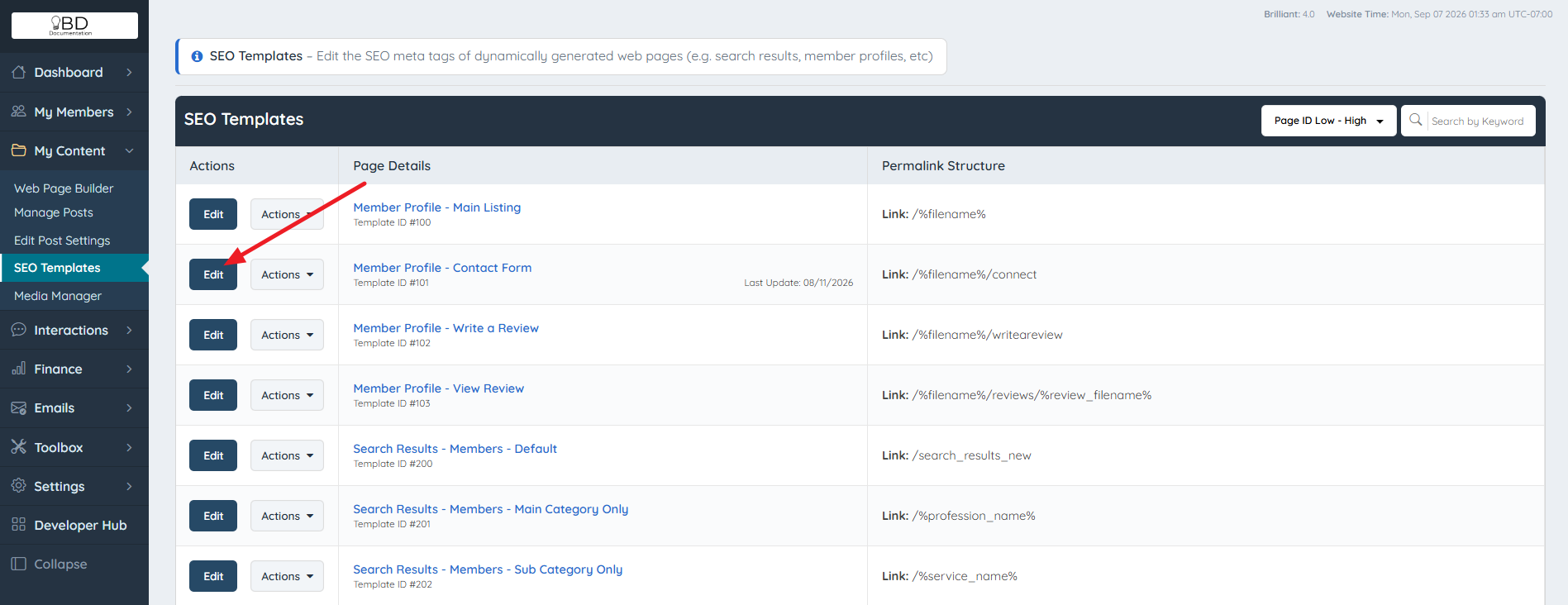
- Navigate to My Content > SEO Templates.
- Select the SEO template that contains the ad to be hidden, then click Edit.
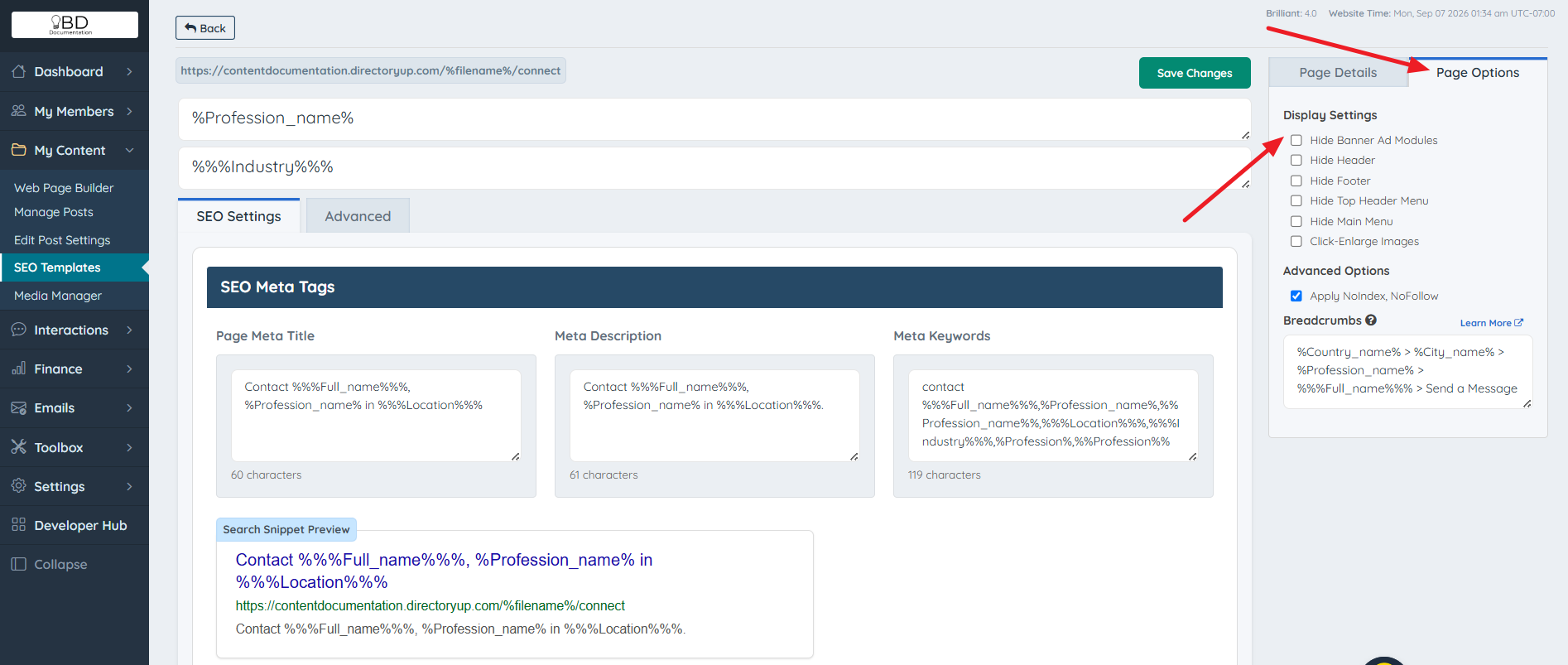
- Click the Page Options tab.
- Select Hide Banner Ad Modules.

Modified on: Mon, 7 Sep, 2026 at 2:35 AM

Was this article helpful and up to date? Yes No
Send feedback