In this article, you will learn how to call a menu on a webpage or within a widget.
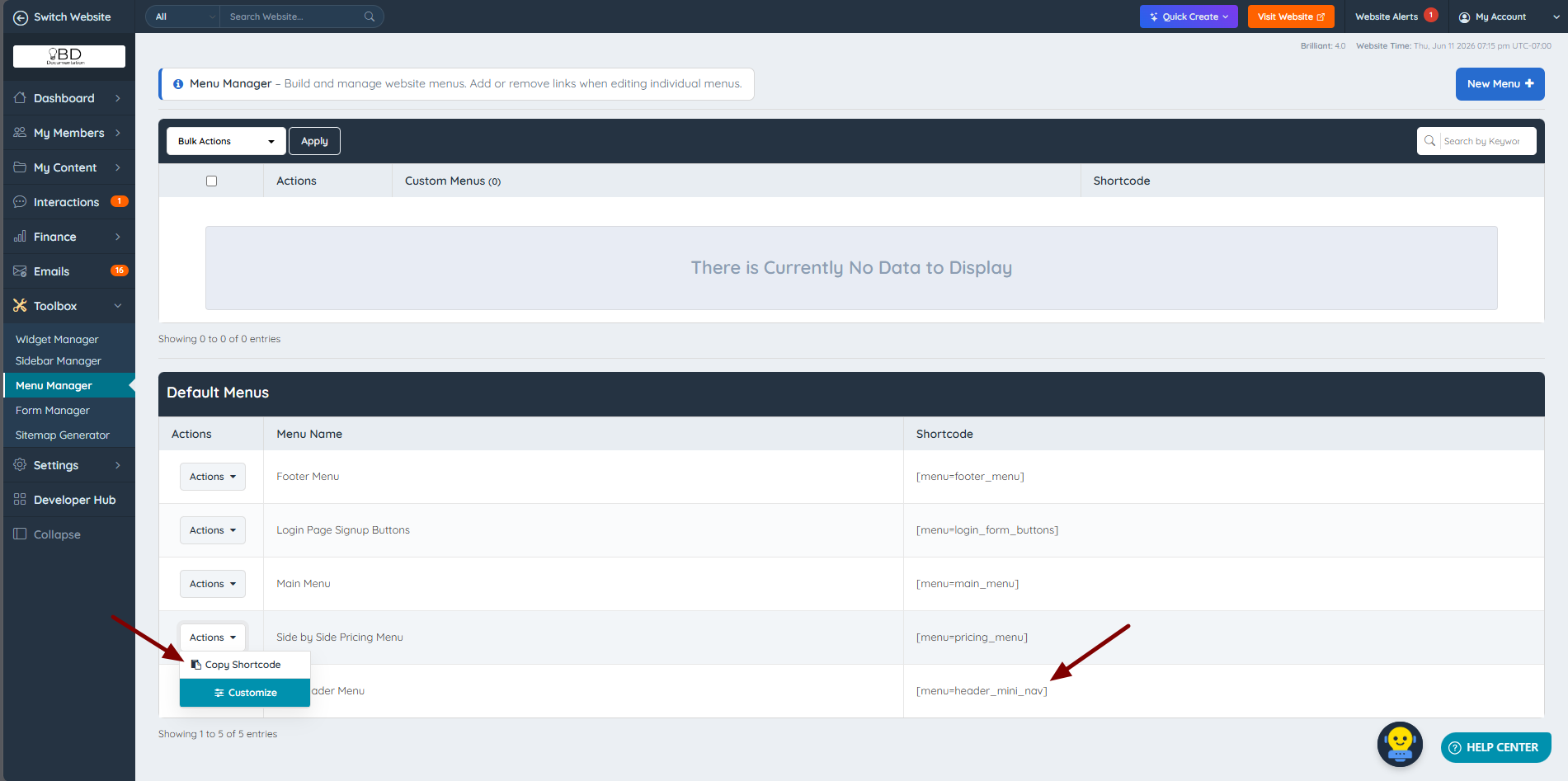
To do this, navigate to Toolbox >> Widget Manager, then click Copy Shortcode under Actions for the desired menu. In this example, the shortcode from the Side by Side Pricing Menu (add-on) is used.
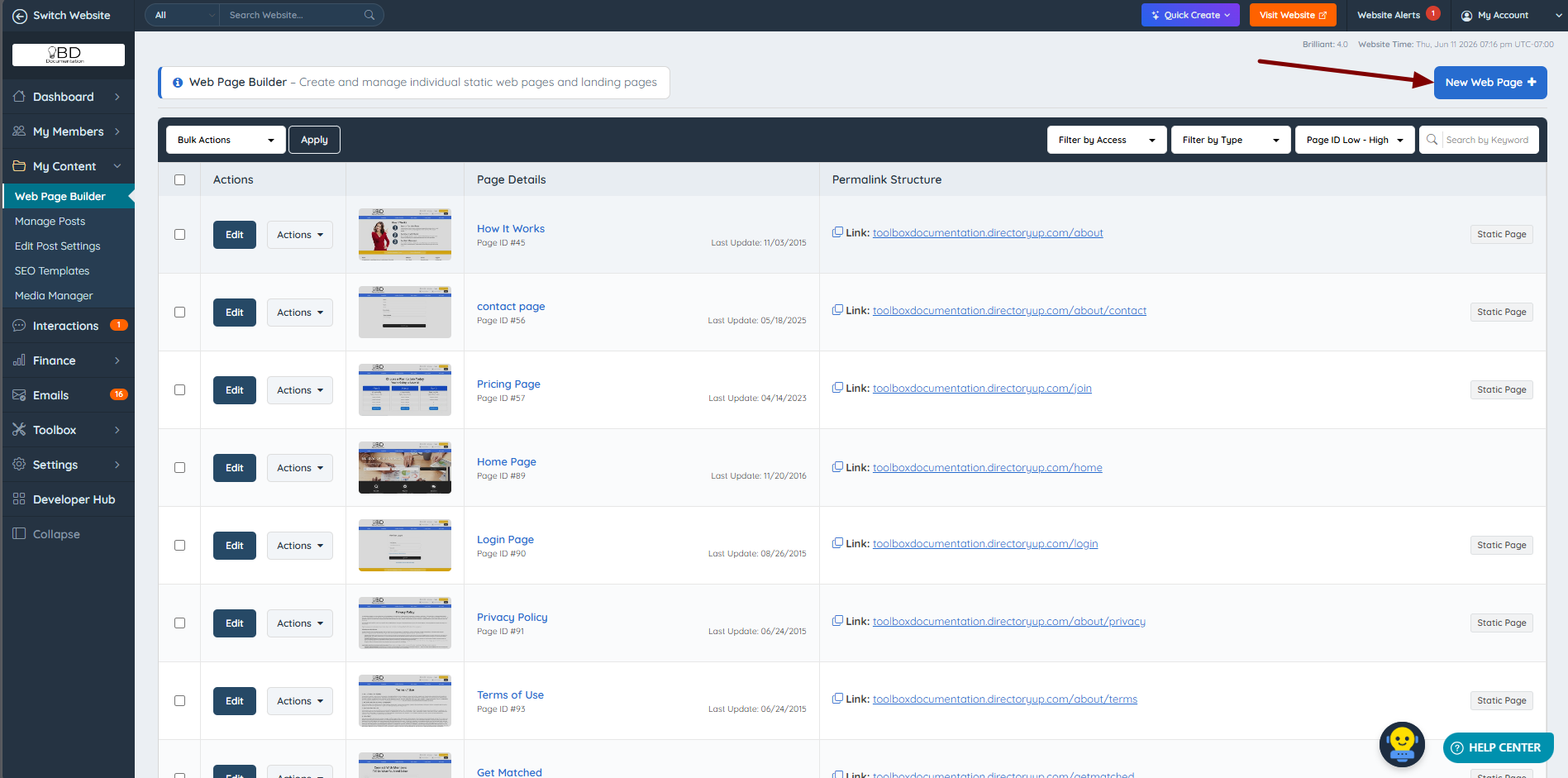
After copying the shortcode, it can be used on any webpage or widget. For this example, the menu is added to a new webpage with the URL /pricing-test. Navigate to Content >> Web Page Builder and click New Web Page.
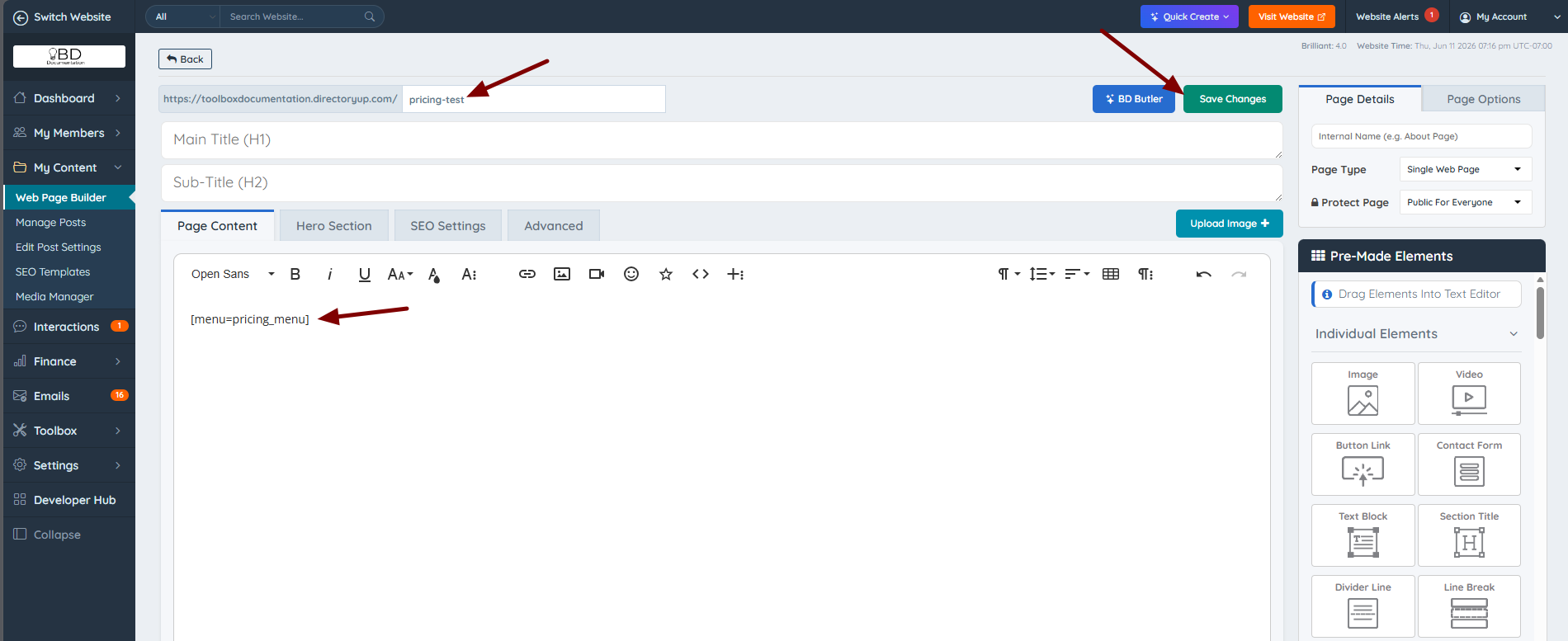
Paste the copied shortcode into the content area, assign a unique URL, and click Save Web Page.
The menu will render automatically on the new webpage.
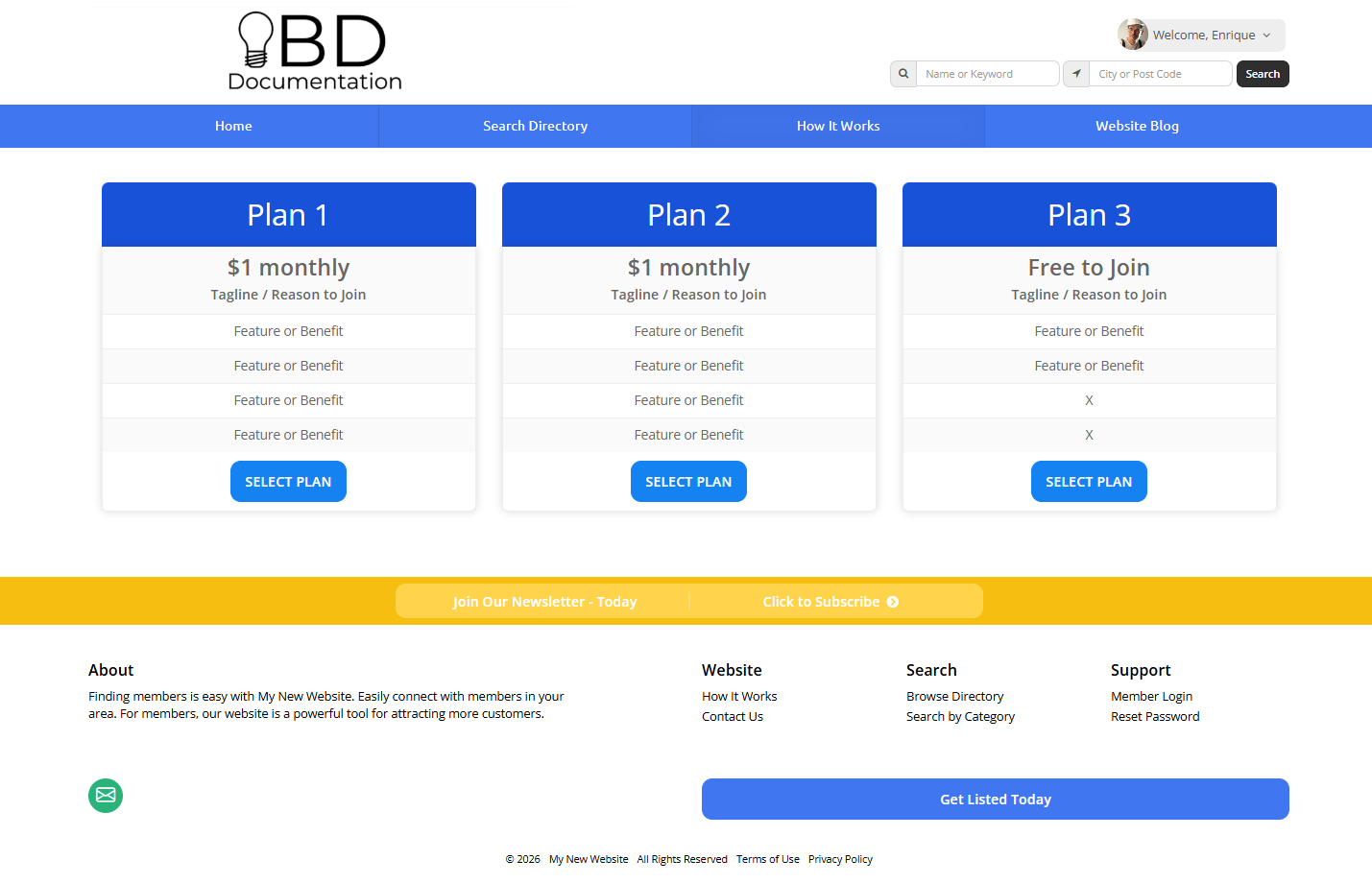
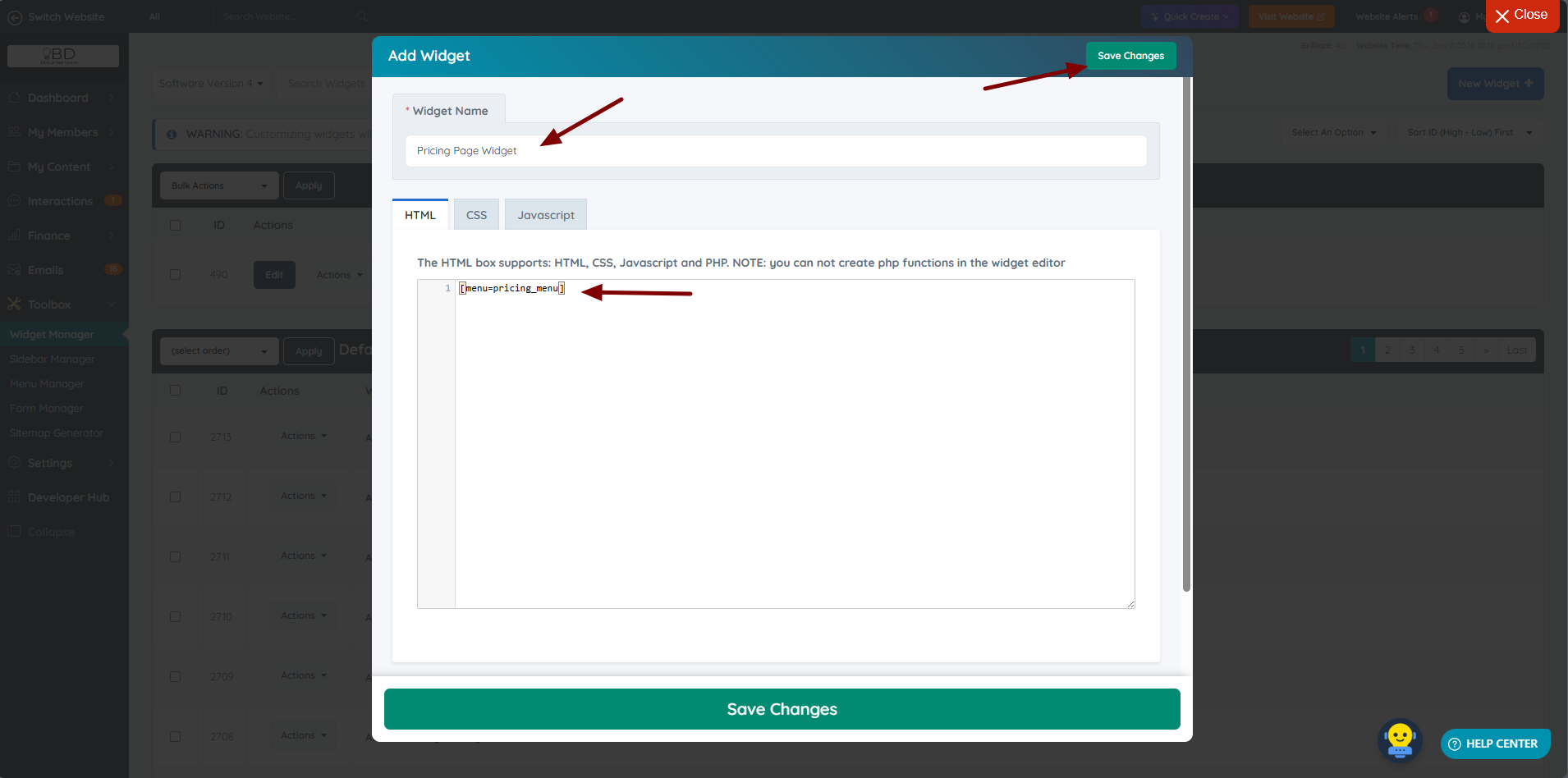
The same approach can be used to display a menu inside a widget. Copy the shortcode for the desired menu and paste it into the HTML tab of a custom or default widget.