
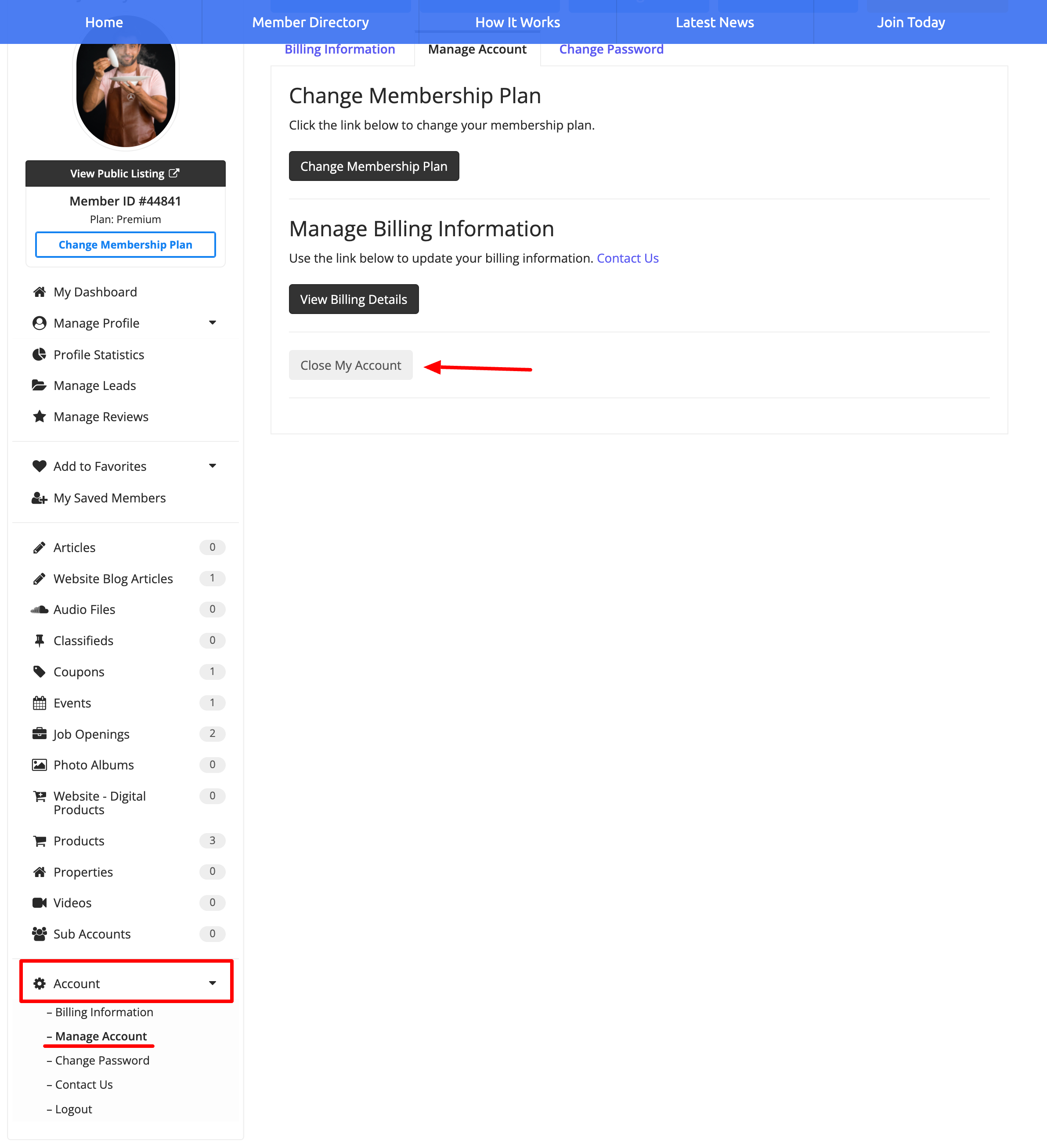
This guide explains how members can cancel their account.. In their dashboard, members should navigate to the left sidebar, where they will see these options.
Account » Manage Account » Close My Account:
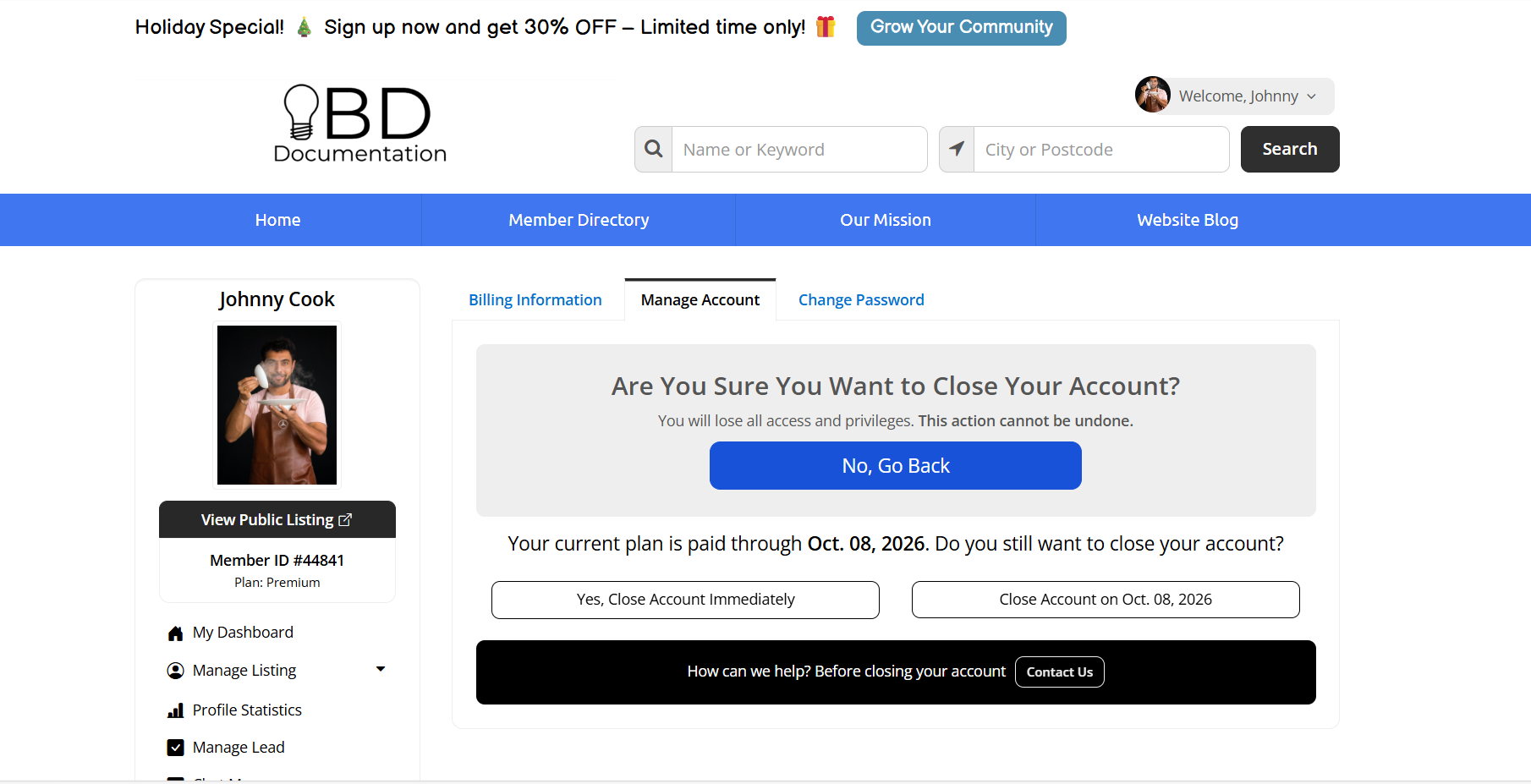
Next, they can choose to close the account immediately or at the end of the current billing period
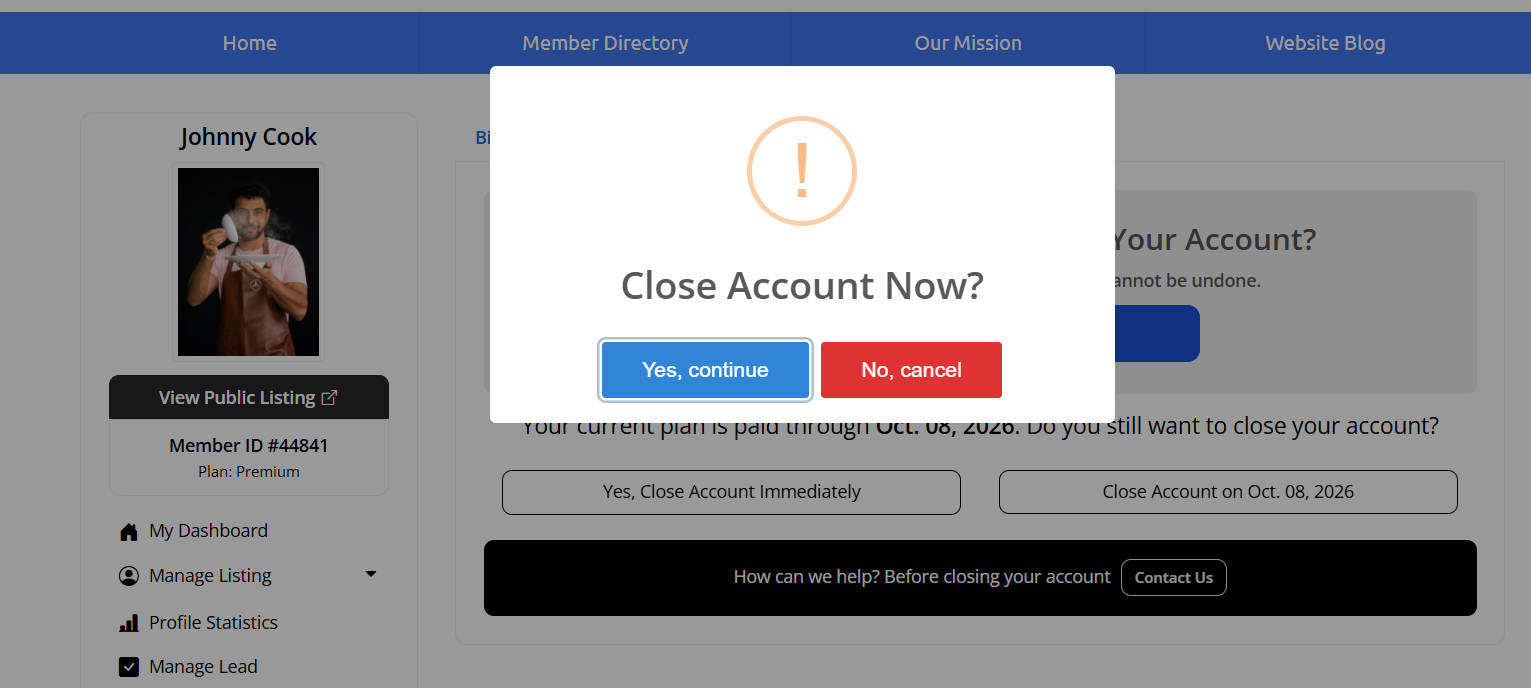
The system will display a confirmation prompt, where they can select "Yes, Close My Account" to proceed.
If the member has an active subscription, it will automatically be cancelled.
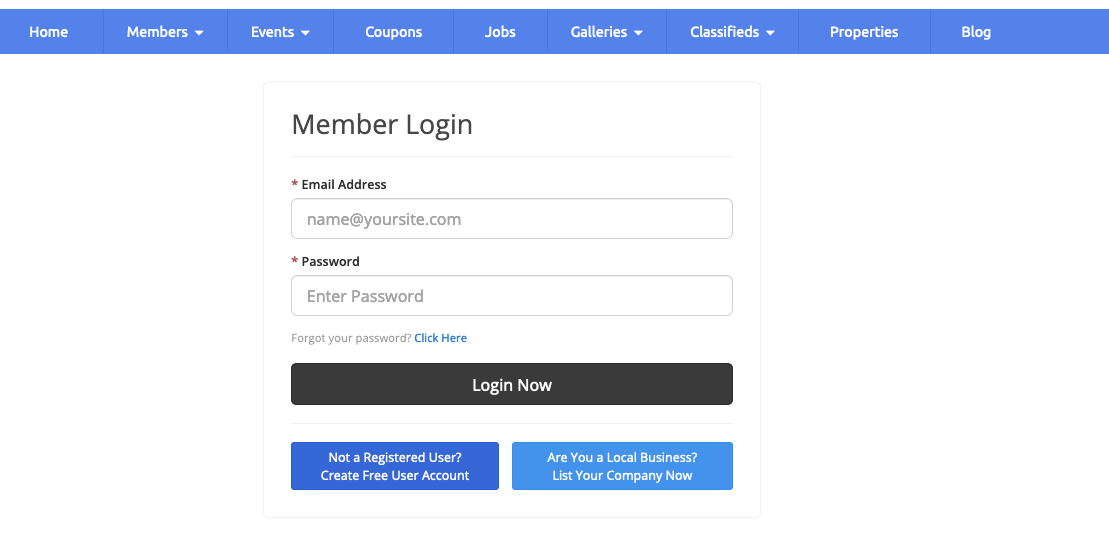
After confirming, the system logs them out and redirects to the Member Login page.
Important: Ending a subscription does not always immediately close the member’s account.
If the member is on a recurring subscription, their access will remain active until the end of the current billing cycle. Once that billing period ends, the account will be automatically closed.
If the member has a one-time payment (non-subscription), closing the account will be immediate.
Member Cancellation Email
A confirmation email will then be sent to the member, as shown below.
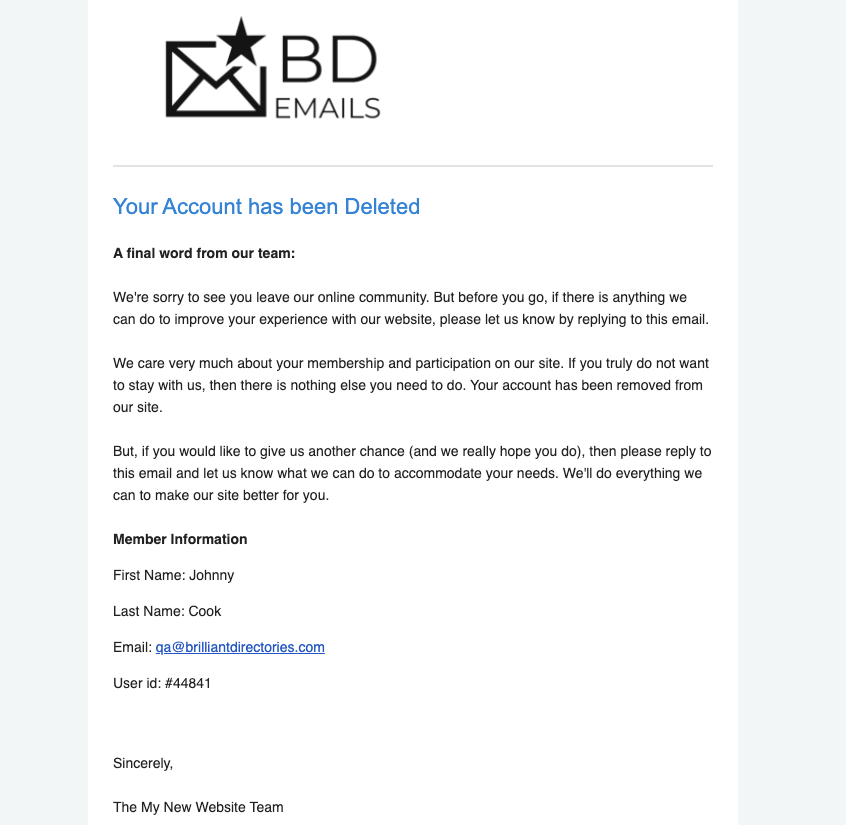
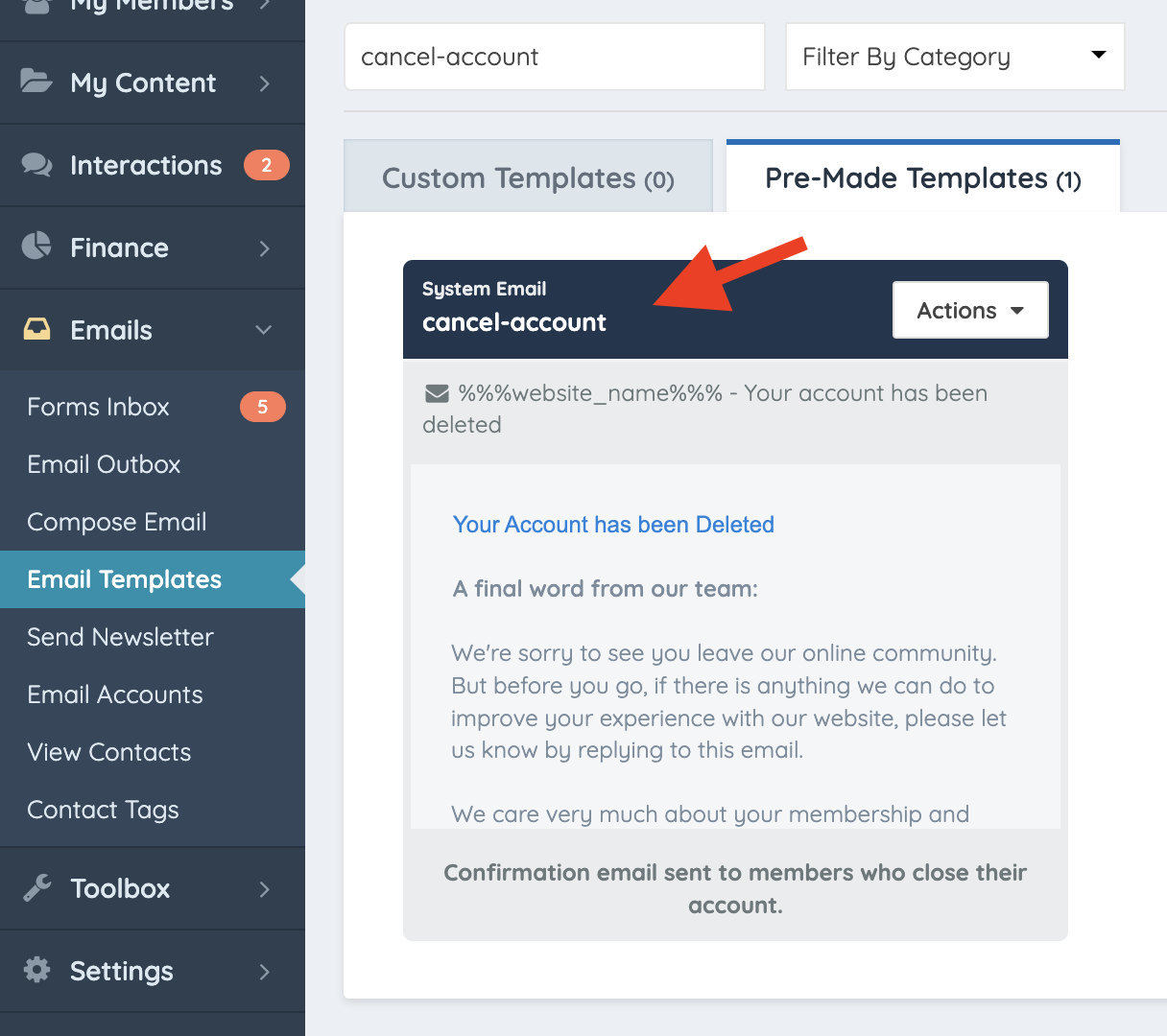
Find this email template inside the admin dashboard:
System Email: cancel-account
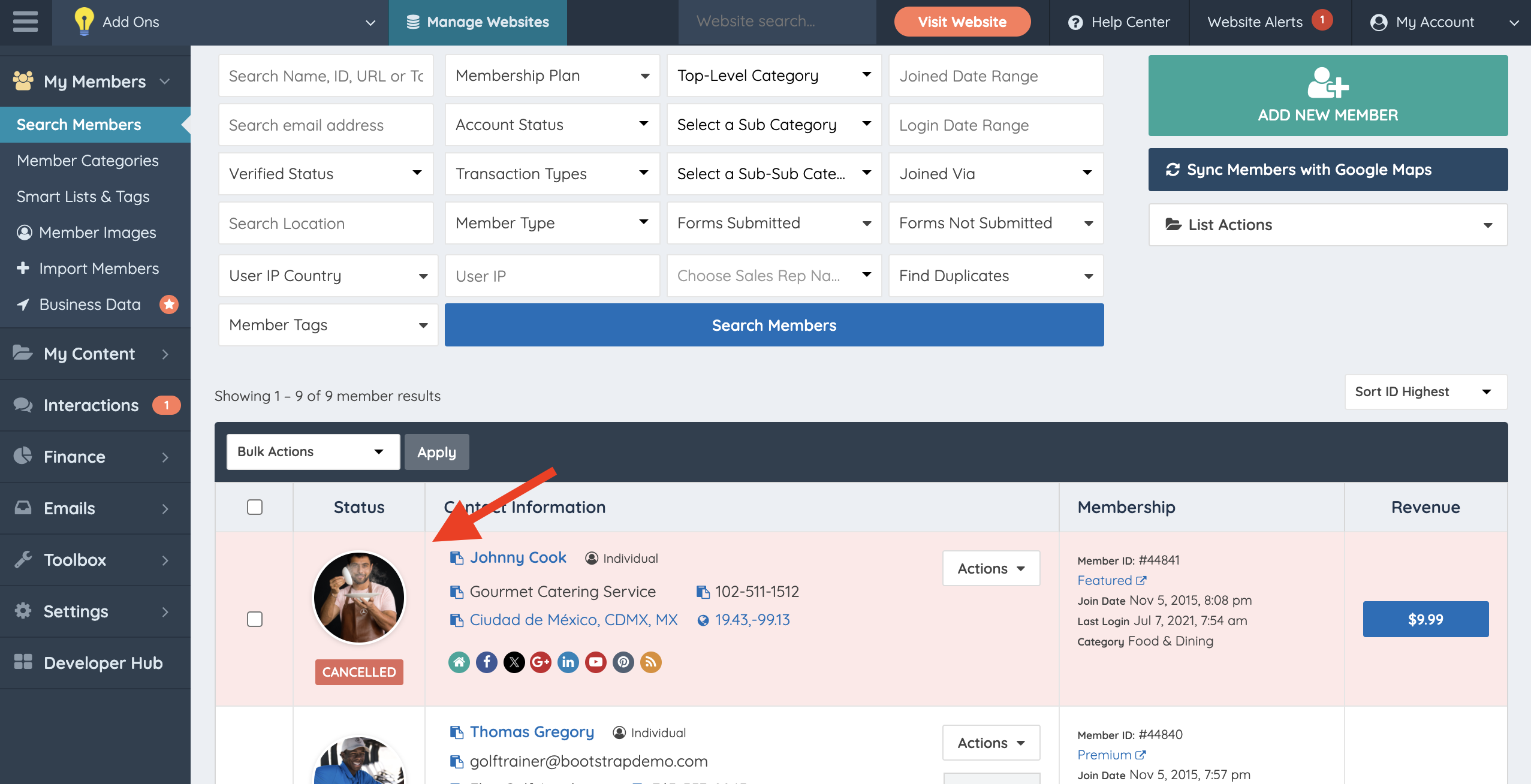
Cancelled Accounts - Admin Perspective
In the Member’s Dashboard, their account status will display as “Cancelled”.
Cancellations - Admin Perspective
Cancelling an account through the admin dashboard is possible. here are also admin notifications when a member cancels.
More information: Cancellations From Website Admin Perspective
