
Widgets are the core components of a Brilliant Directories website. They contain most of the PHP, HTML, CSS, and JavaScript that control how the site functions and displays content.
Modifying widget code is often required when adjusting layout, functionality, or specific areas of the website.
Default Widgets
Default Widgets are stored in a central database that all Brilliant Directories websites reference automatically. These widgets remain up-to-date because they are maintained centrally.
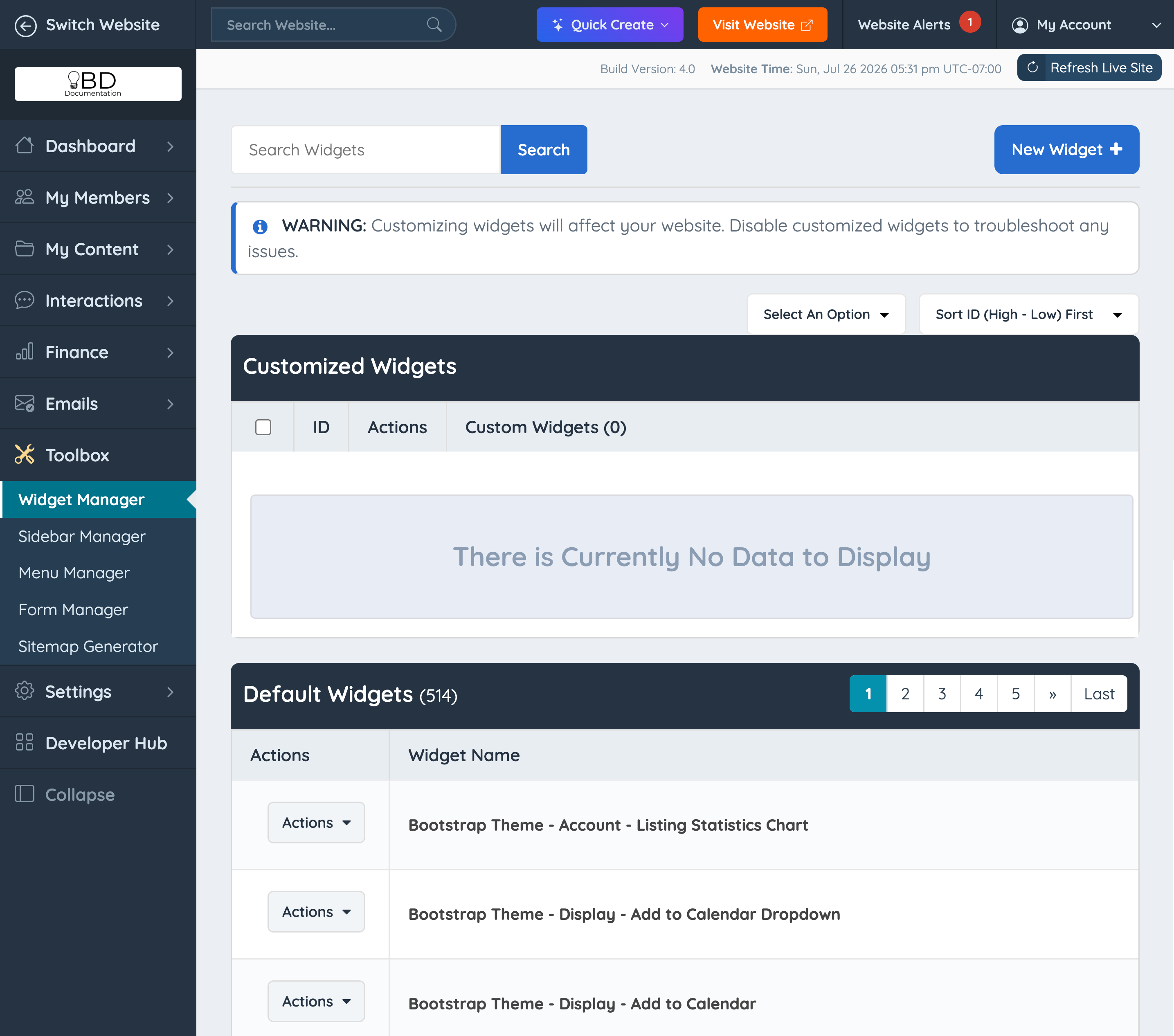
The internal development team updates Default Widgets to support core functionality, introduce new features, and apply improvements.
If no customization is made, the website continues to use the latest version of each Default Widget.
Default Widgets can be accessed under Toolbox » Widget Manager in the admin area.
Customized Widgets
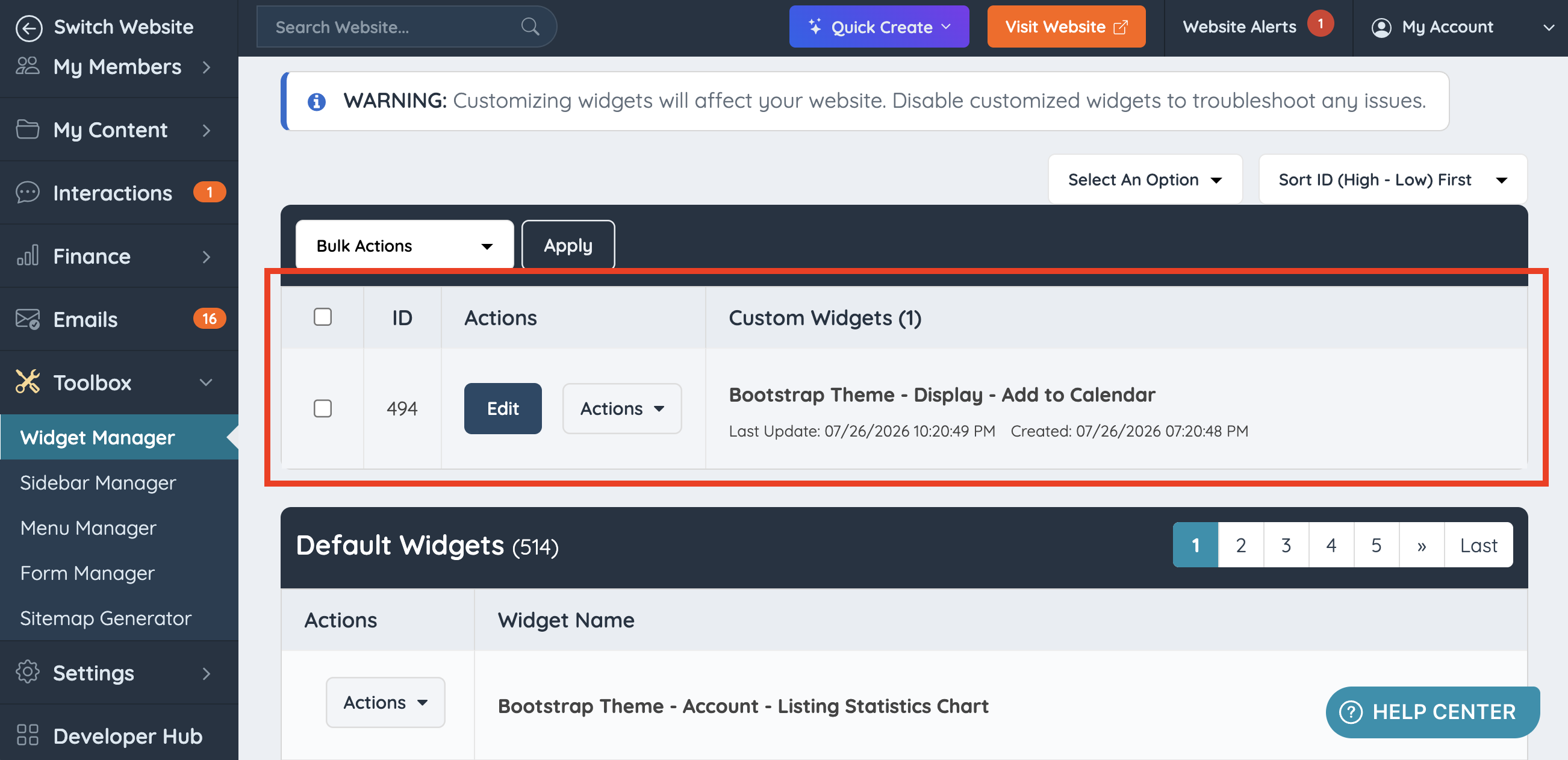
When a Default Widget is customized, or a new widget is created using the New Widget option, it appears in the Customized Widgets section.
This section is located at the top of the Toolbox » Widget Manager page, above the Default Widgets list.
Edit Widget Tabs
Each widget includes three primary code sections:
- HTML
- CSS
- JavaScript
- Diff
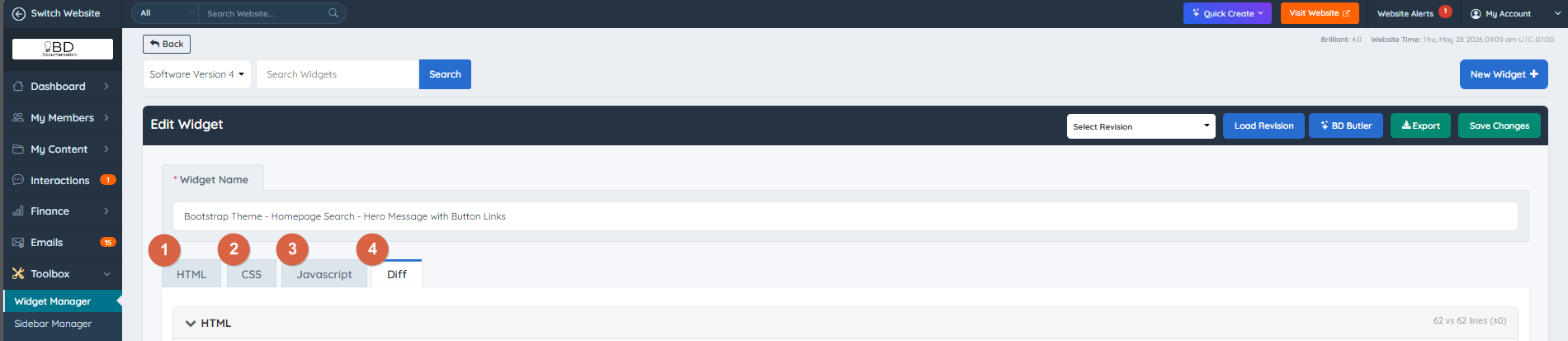
Each tab corresponds to its respective language and allows direct editing of the widget code.
Diff Tab
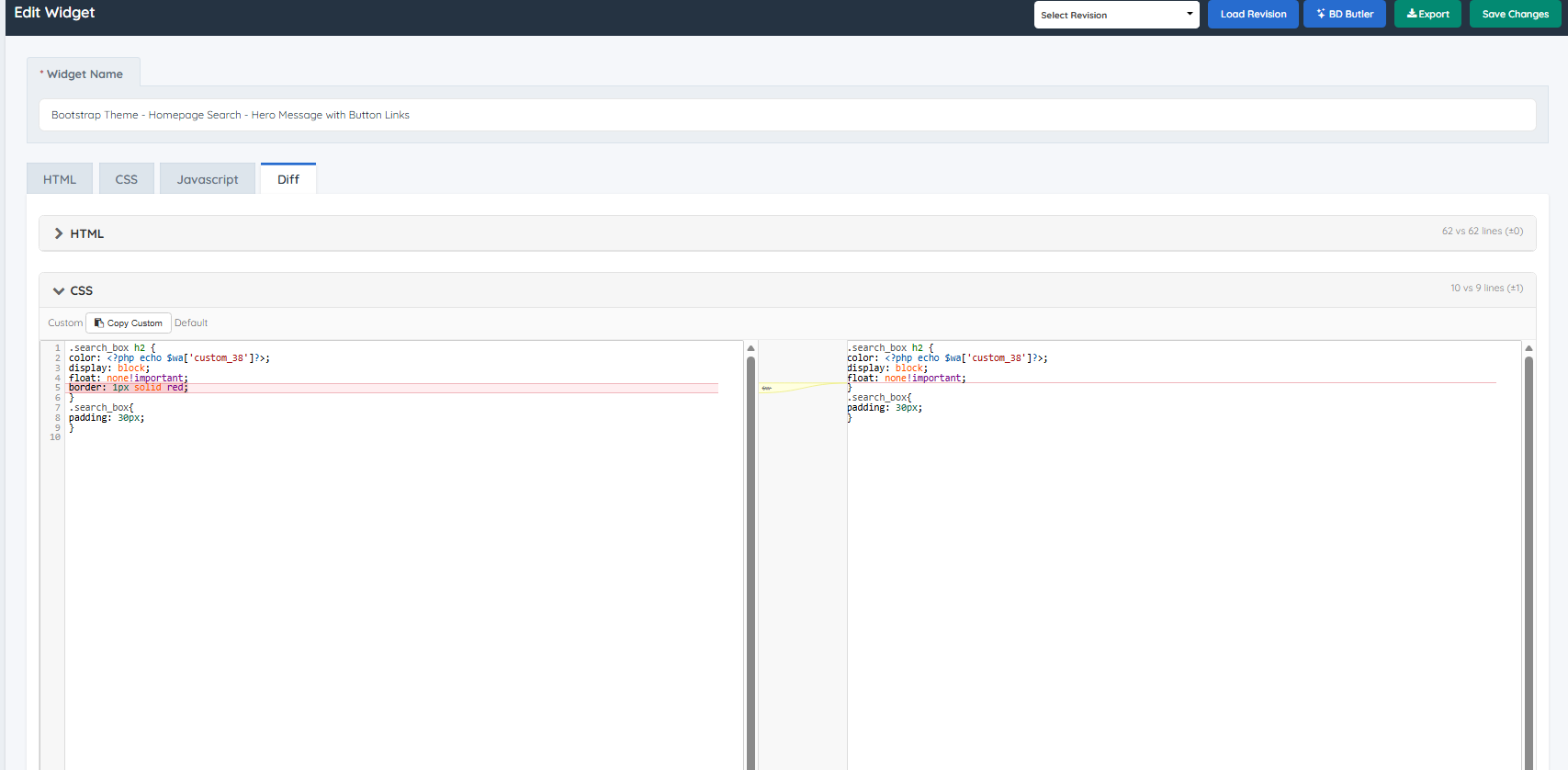
The Diff tab compares the Default Widget code with the Customized version side by side. The code is separated into collapsible sections: HTML, CSS, and JavaScript. This makes it easy to identify exactly what has changed in each area.
Each section displays a line count summary (e.g. "10 vs 9 lines (+1)") so it is easy to see how many lines differ. Lines that exist in the customized version but not the default are highlighted, making it simple to pinpoint modifications at a glance.
This tab is only available for Customized Widgets.
Widget Type
The Edit Widget view includes an option to define the widget type.
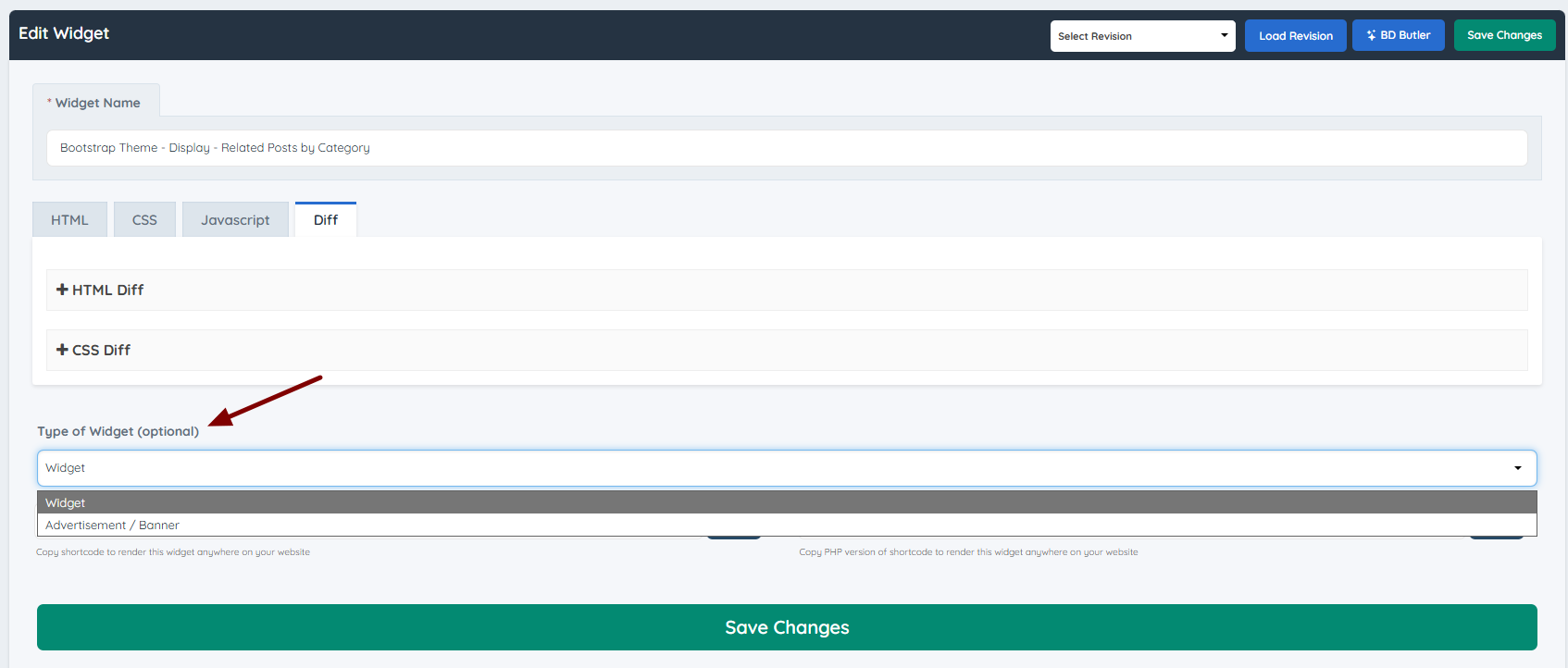
Select "Widget" for standard functionality. Select "Advertisement / Banner" when the widget is intended to display banner content.
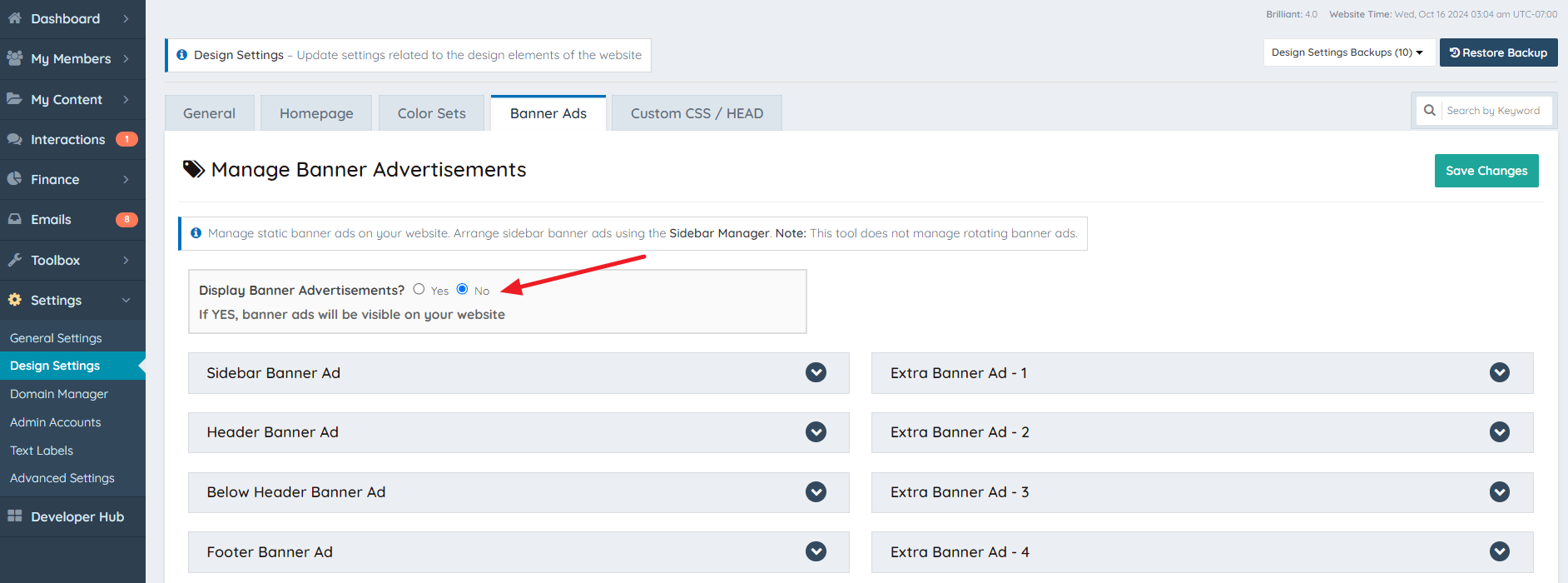
Note: If "Advertisement / Banner" is selected while the Display Banner Advertisements setting (Design Settings → Banner Ads) is disabled, the widget content will not be displayed.
Additional Resources
Some useful articles related to widgets can be found below:
How To Disable/Enable A Widget
